16
GB
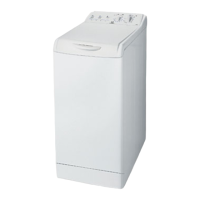
Washing machine description
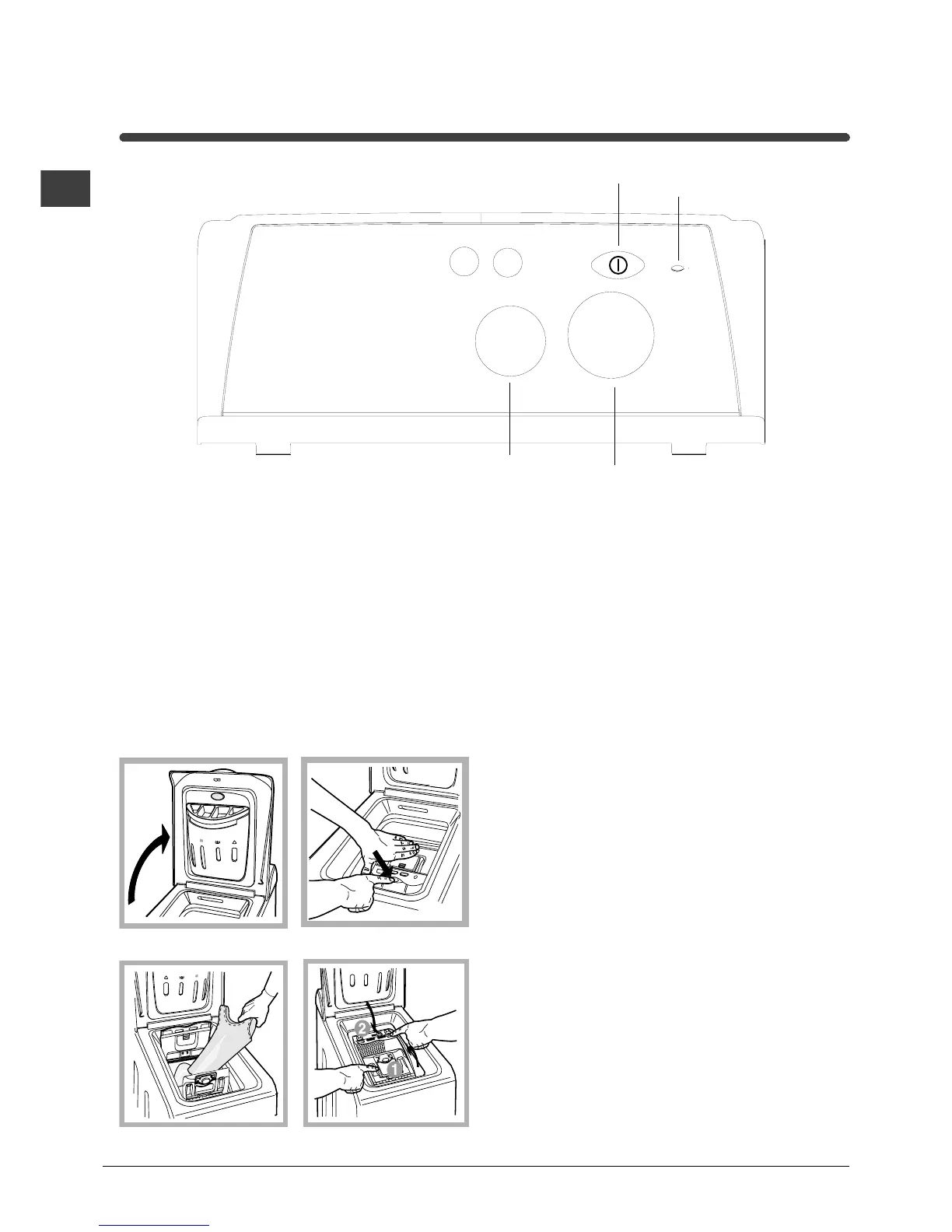
Control panel
Detergent dispenser: to add detergent and fabric
softener (see page 19).
FUNCTION buttons: to select the functions available
(see page 18).
TEMPERATURE knob: to set the temperature or the
cold wash cycle (see page 18).
ON/OFF button, to turn the washing machine on
and off.
ON/OFF led, to find out whether the washing
machine is on.
PROGRAMME knob:
to select the wash programmes.
Remember that this dial should be turned in a
clockwise direction and only when the machine is off.
Fig. 3
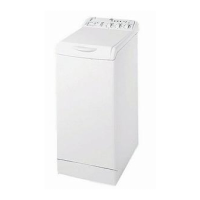
A) Opening (Fig. 1).
Lift the external lid and open it completely.
B) Then open the drum using both hands as
shown in Fig. 2:
- press the button indicated by the arrow in Fig. 2
lightly downwards, with one hand firmly resting on
the doors to prevent them from suddenly opening
and hurting your fingers;
- therefore follow the appliance doors along as these
unhook and open easily.
C) Loading the washing machine. (Fig. 3).
D) Shutting (Fig. 4).
- close the drum fully by first shutting the front door
followed by the rear one;
- then ensure the hooks on the front door are perfectly
housed within the seat of the rear door;
- after the hooks have clicked into position, press both
doors lightly downwards to make sure they do not
come loose;
- finally shut the external lid.
Fig. 1
How to open and to shut the drum
ON-OFF
Button
TEMPERATURE
Knob
PROGRAMME
Knob
FUNCTION
Buttons
ON-OFF
Led
Fig. 4
Fig. 2


 To Next Page