INETVU® MOBILE SYSTEM QUICK START – NERA & STM
C-COM Satellite Systems Inc. Page 23
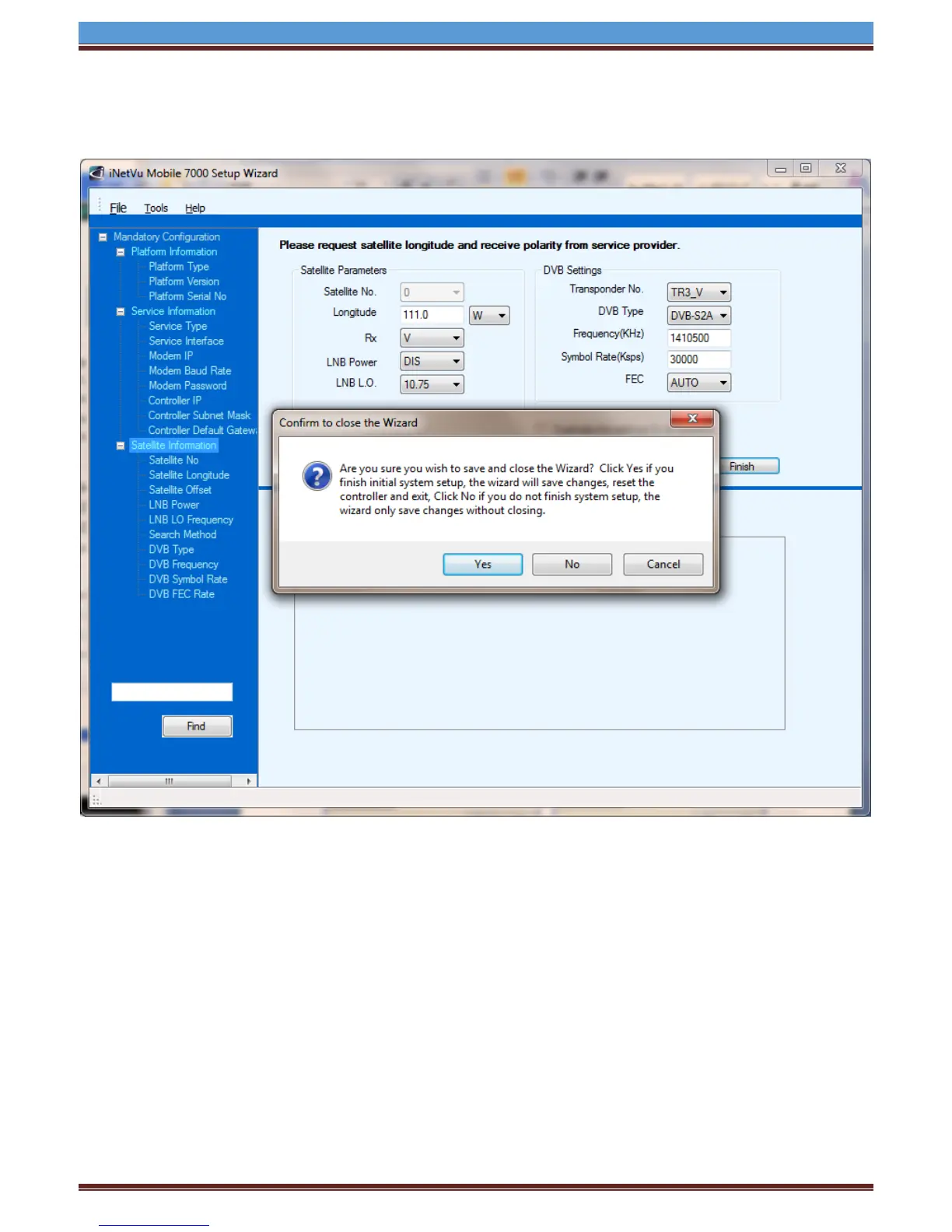
8. Once completed you will be able to save changes by selecting Yes, or select No to return to the
previous screen to make additional changes.
9. Congratulations you have configured your iNetVu Controller. You can now find satellite by
pressing the FIND SAT button from the front panel or by launching the iNetvu Software.
*For more detailed information on the iNetVu® 7000 Controller Software, refer to the iNetVu® 7000
Controller Manual


 To Previous Page
 Loading...