Chapter 6: QuickSet Splits and Layers
74
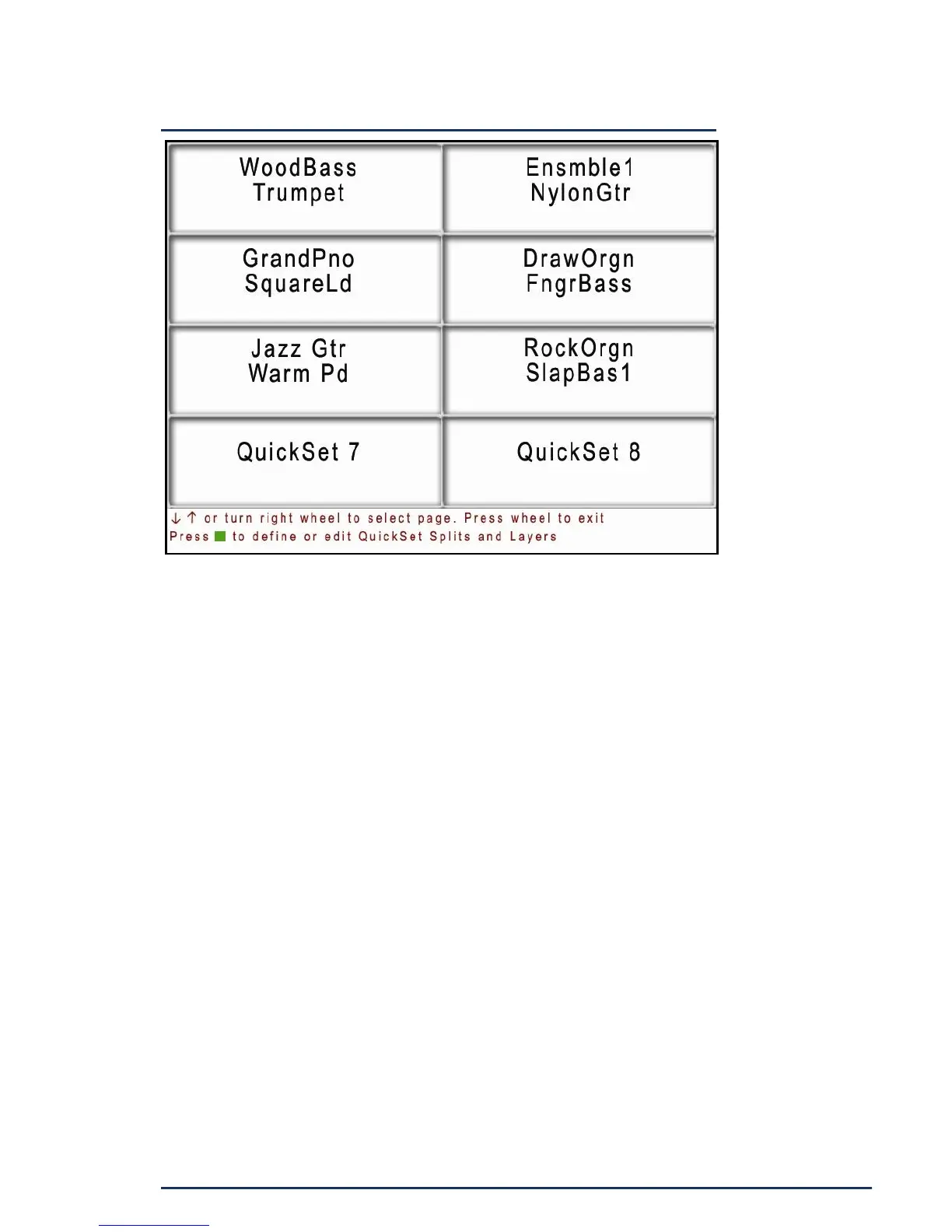
The QuickSet screen is divided into eight large soft
buttons. Touch one to select it and it turns green. If it
has not been previously defined, the button will display
the word QuickSet and the memory position of that
button. The first page displays QuickSet memory
positions 1 thru 8. Press the down arrow or rotate the
Right Side Wheel clockwise to display page 2 which
holds positions 9 thru 16. There are a total of 16 pages
of QuickSet memories for a total of 128 memory
positions. Press the up arrow to go to the previous
page. Turning the wheel clockwise advances the page
and rolls over to page 1 after reaching page 16. Turning
the other direction always stops at page 1 giving you a
speedy way to get back to the beginning.


 To Next Page