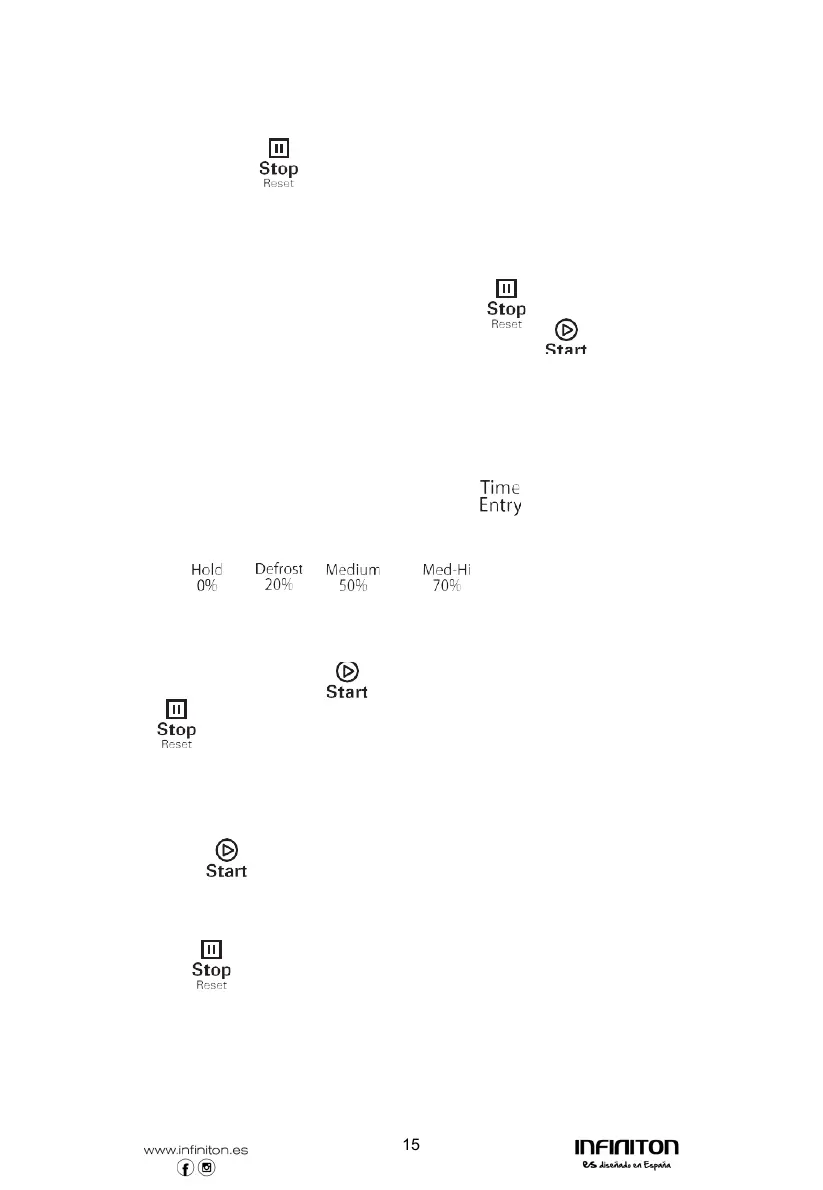
15. Pause Mode
1) While in Manual Cook Mode, or Preset Program Cook Mode, if the door is open
or closed, or if the " " pad is pressed, the oven will enter Pause Mode.
2) While paused, LED will display the remaining cooking time.
3) Only the fan and lamp work.
4) Pause Mode will expire back to Idle Mode in the exact fashion as Ready Mode,
dependent on User Option 4. Additionally,if the " " button is pressed, the
oven shall immediately enter Ready Mode.OR if press " " button,
the oven will go into working mode.
16. Manual Cook Entry Mode
1) While the oven is in the Ready Mode,pressing the pad on the keyboard will
put the oven into Manual Cook Entry Mode.
2) During this mode, "00:00" displays
3) If you press " "," "," " or " " button to select power level, LED
will display the related power. If the same button pressed twice, the power will
change to PL10. If no power chosen, "PL10" is default.
4) Only the fan and lamp work.
5) During setting process, press " " to enter Manual Cook Mode.
Press " " to enter Ready Mode.
17. Manual Cook Mode
1) Pressing the " " pad will cause to the oven to begin Manual Cook Mode.
2) During this mode, remaning cooking time displays. The fan and oven lamp will work.
3) When cooking program finish, the oven will enter End of Cook Cycle Mode.
If you press " " button under this mode,the oven will enter Pause Mode.



 To Next Page