5
START
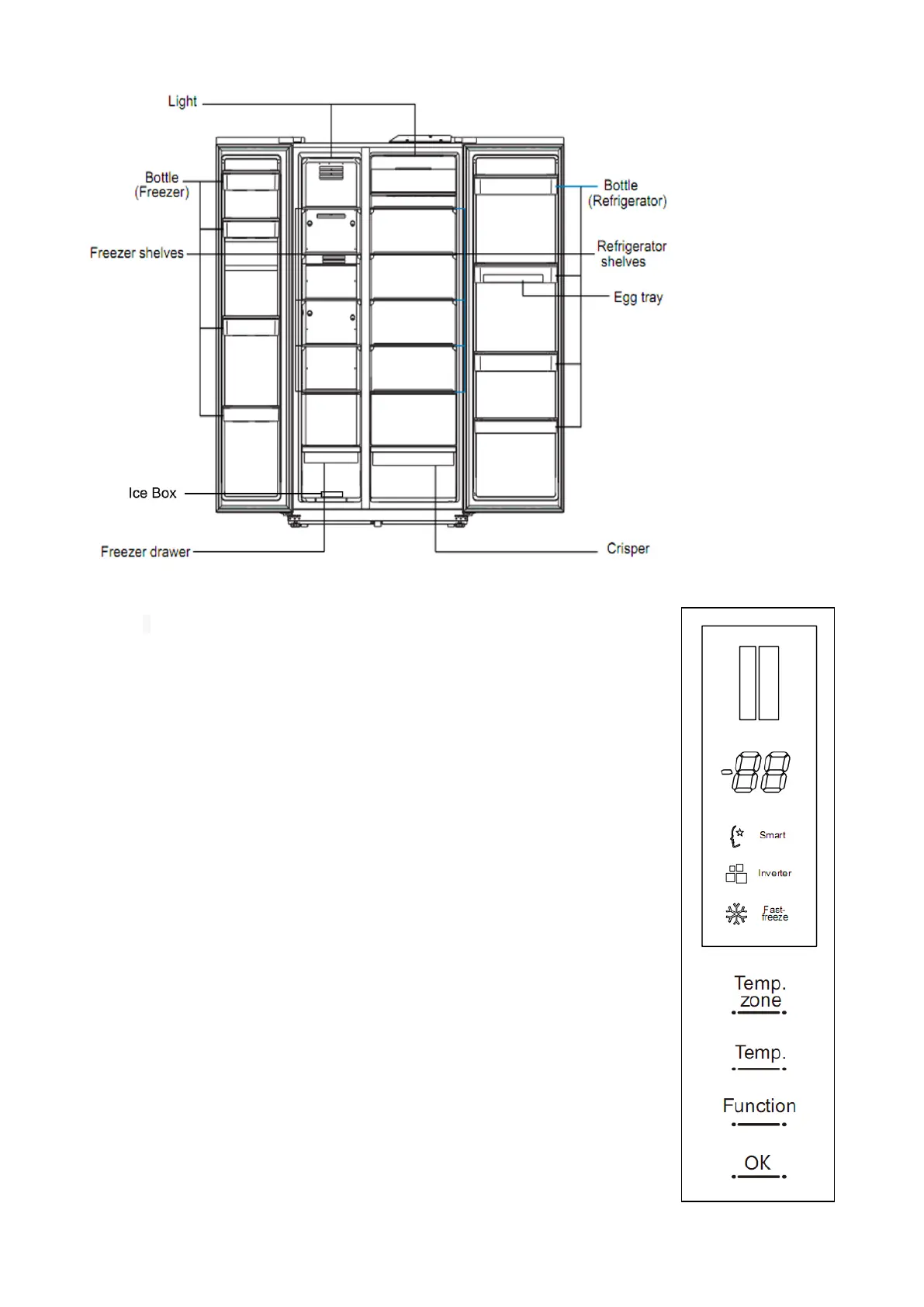
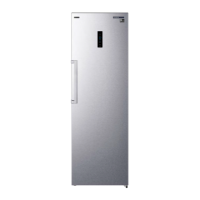
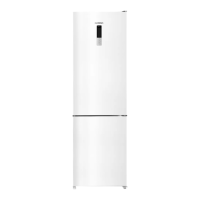
Display panel is located at the door of the cold storage room, interface display as
follows:
Button instruction:
1.”Temp.Zone “button-selecting the temperature zone
2.”Temp”button-setting the temperature of refrigerator
3.”Function”button-setting the refrigerator at fast freeze or Smart status
4.”OK” button-To confirm the temperature or function status setting.
5. When the screen lights up, if there is no touch operation, the display screen
dimmed after 3 minutes; when the display is dimmed, the first time keypad
wake-up display, at this time if you press any key in short time, the key is invalid;
after the "OK" button 3s unlocked, then press the button, then the key takes
effect.
Function setting
★ First power on
When the refrigerator first power on, the control panel will back to normal display
after 2 seconds.
★ Control panel operation
There is no operation on refrigerator when the door closed in 3minutes,the light
of control panel will be off
Open the door or press any button, the light will be on,
★ Setting the temperature of freezer
Press the “Temp.Zone” button till the freezer temperature showed at blink ,
can set the freezer temperature. Press the “Temp” button, the temperature
will change 1℃with each pressing.
The temperature setting of freezer is circulating as below:
-24℃-- -23℃-- -22℃-- --21℃-- -20℃-- -19℃-- -18℃-- -17℃-- -16℃-- -24℃
Setting the temperature of fridge
Press the “Temp.Zone” button till the fridge temperature showed at blink, can
set the fridge temperature. Press the “Temp” button, the temperature will
change 1℃with each pressing.
The temperature setting of fridge is circulating as below:


 To Next Page