Black plate (100,1)
Model "INFINITI_NAVI" EDITED: 2006/ 3/ 20
INV3008
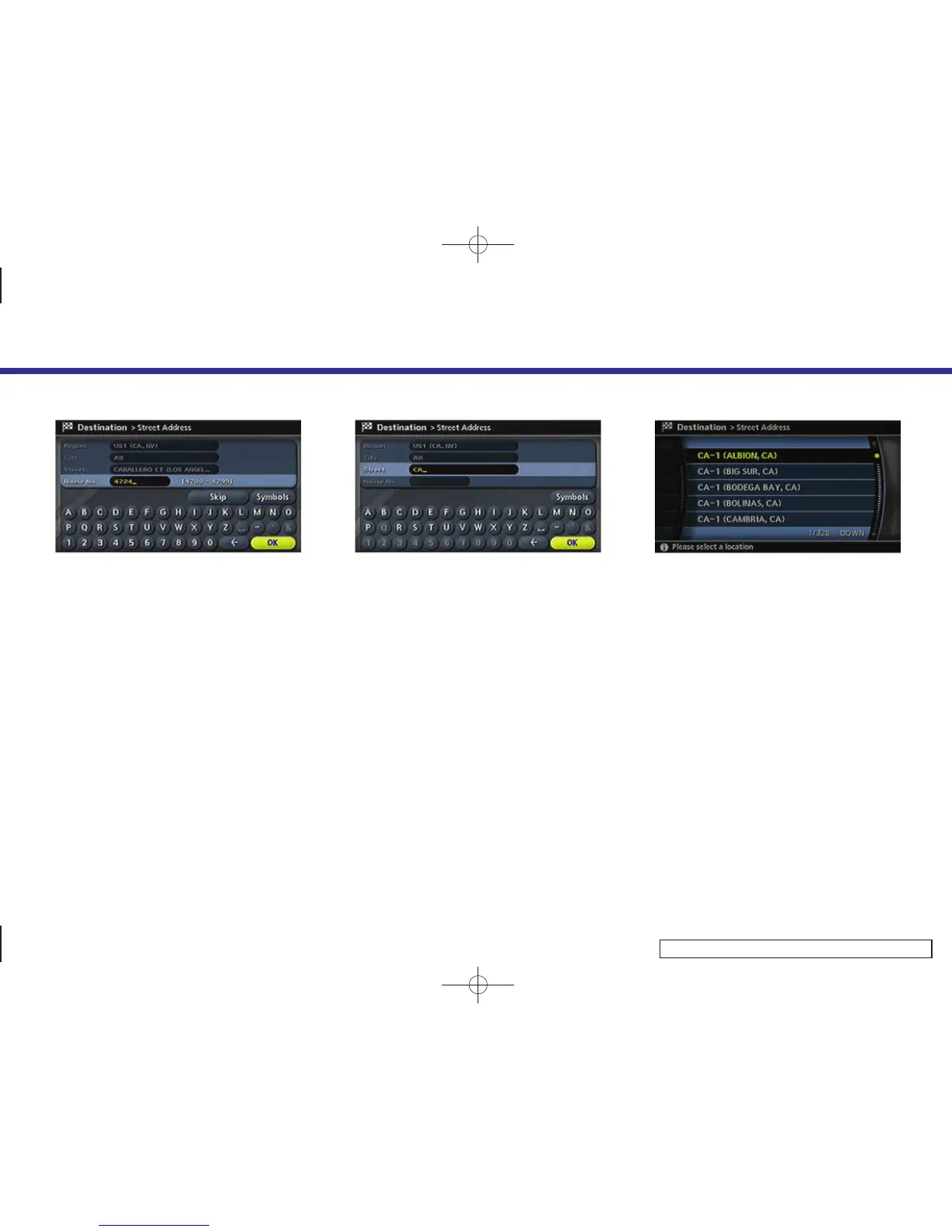
2. Enter the house number, highlight [OK]
and push <ENTER>.
If you do not know the house number,
highlight [OK] or [Skip] and push
<ENTER>.
INV3009
3. Enter the name of the street. After
finishing the entry, highlight [OK] and
push <ENTER>. A list of cities is
displayed.
INV2927
4. Highlight the correct city of the destina-
tion from the list and push <ENTER>.
4. Setting a destination
4-6



 To Next Page