Black plate (113,1)
Model "INFINITI_NAVI" EDITED: 2006/ 3/ 20
SETTING FROM MAP
This allows you to search for a destination
by scrolling the map, and then have the
system calculate a route to the destination.
INV2569
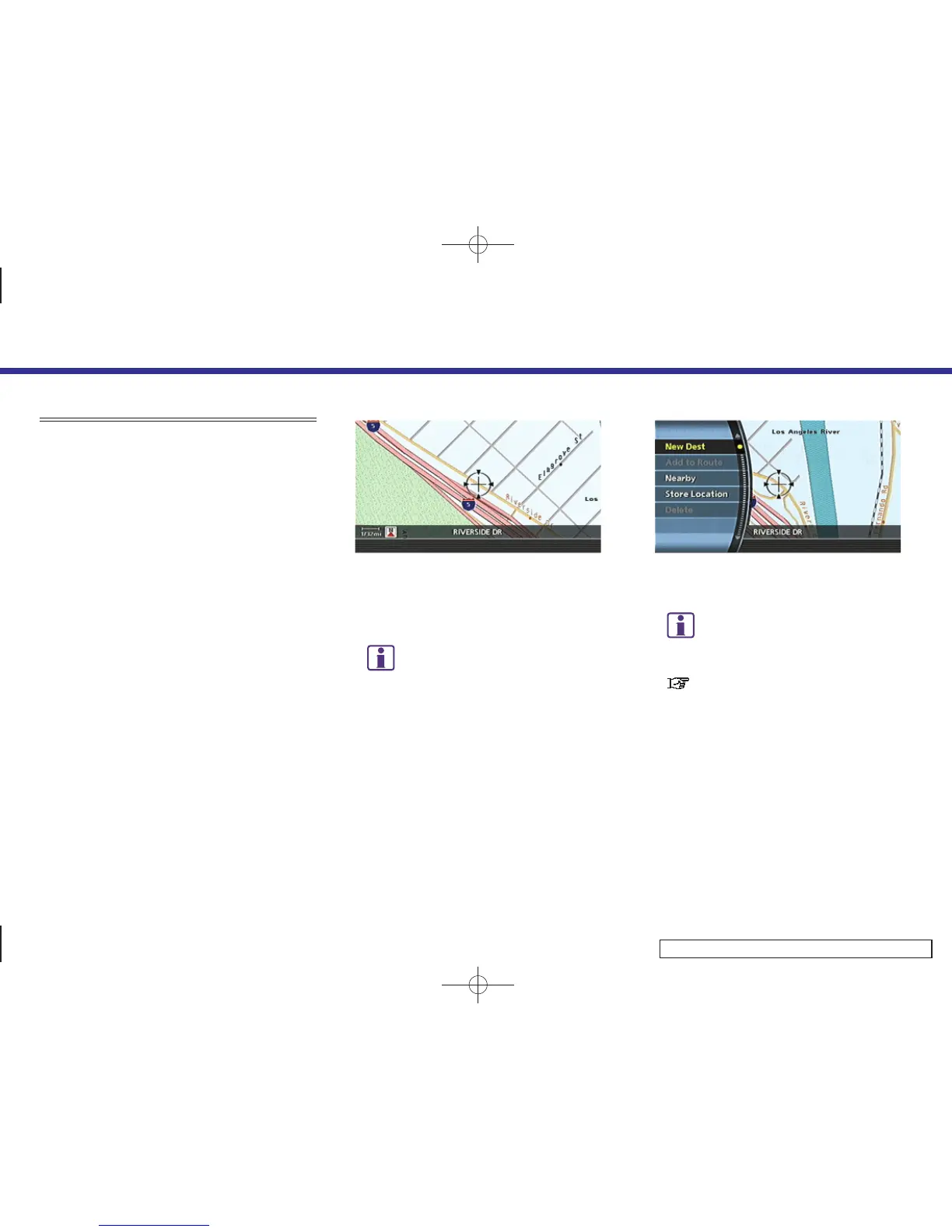
1. Scroll the map, place the cross pointer
over the preferred location, and push
<ENTER>.
INFO:
.
Adjust the map scale to search for a
location more effectively.
.
The point on the blinking road where
the center of the cross pointer is
located can be set as a destination.
INV2570
2. Highlight [New Dest] and push <ENTER>.
INFO:
For the items except for [New Dest], refer to
“Map menu screen”.
“Scrolled location map screen ”
(page 2-21)
4. Setting a destination
4-19


 To Next Page
 Loading...