Black plate (116,1)
Model "INFINITI_NAVI" EDITED: 2006/ 3/ 20
INV2955
SETTING YOUR HOME
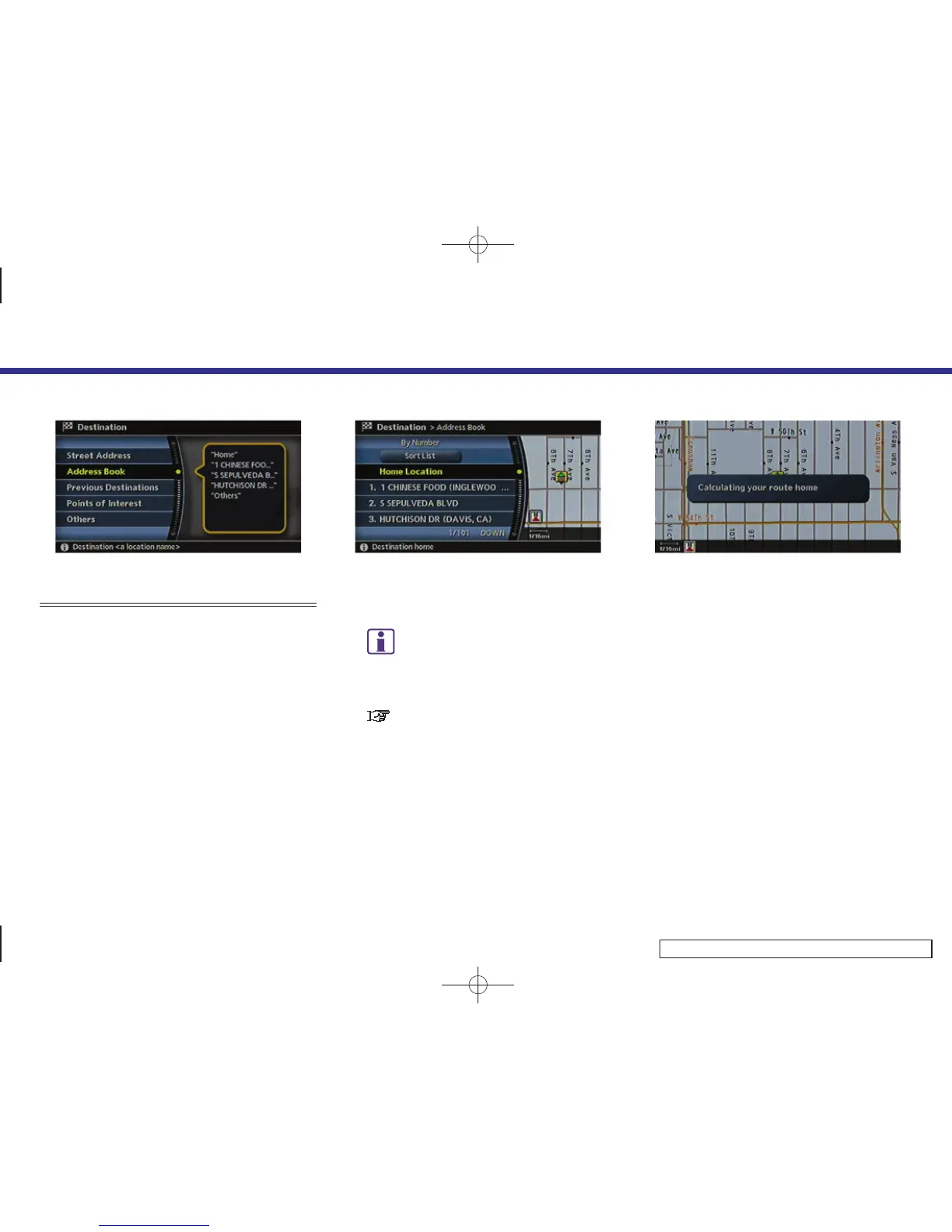
1. Highlight [Address Book] and push
<ENTER>.
INV2956
2. Highlight [Home Location] and push
<ENTER>.
INFO:
If you have not stored your home yet, the
system will automatically display a screen
for storing it.
“STORING A LOCATION” (page 6-2)
INV2957
3. A confirmation message is displayed,
and the system sets your home as the
destination.
4. Setting a destination
4-22



 To Next Page