Black plate (129,1)
Model "INFINITI_NAVI" EDITED: 2006/ 3/ 20
INV3026
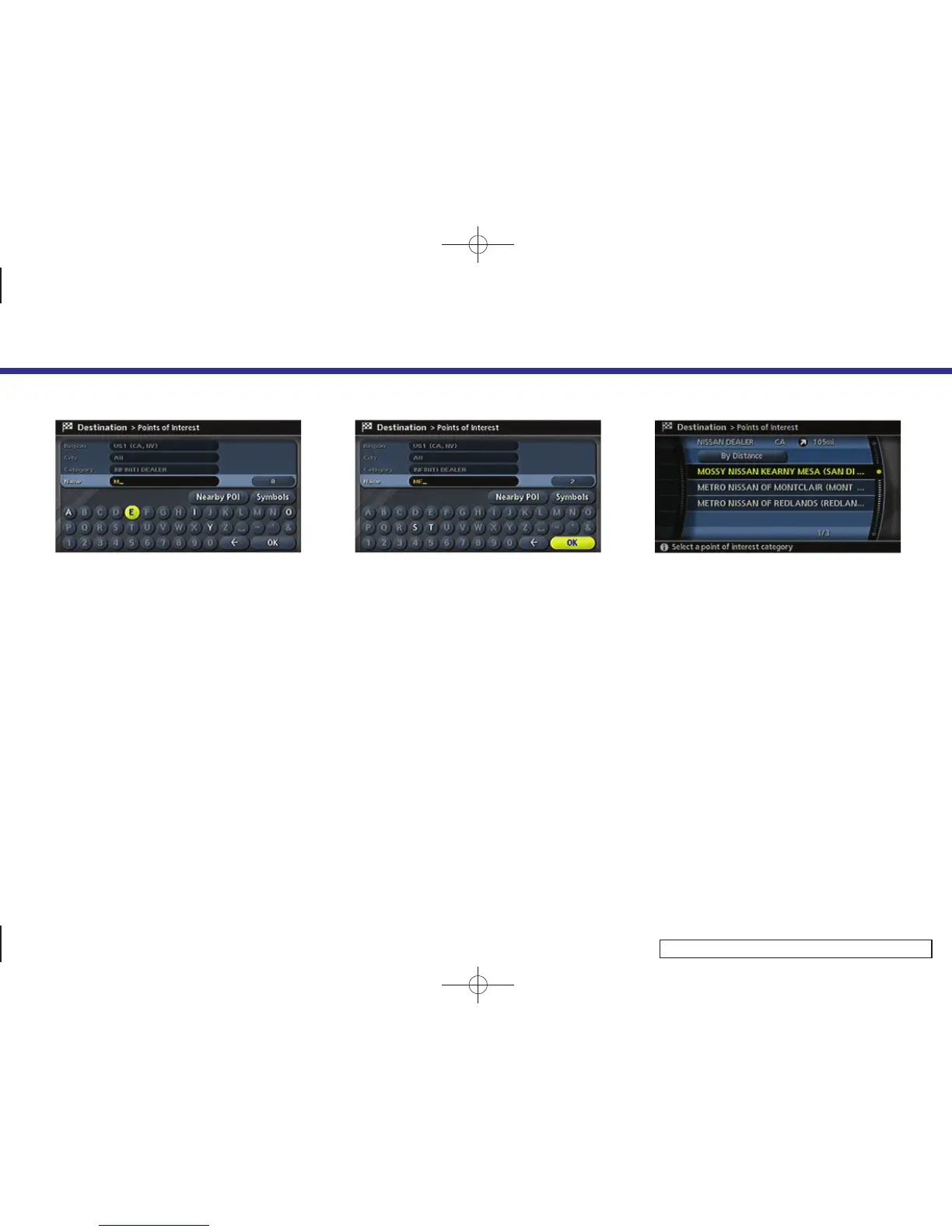
4. Highlight [Name] and push <ENTER>.
Enter the name of the destination
facility.
INV3027
5. After finishing the entry, highlight [OK]
and push <ENTER>.
A list screen is displayed.
INV2917
6. Highlight the preferred destination fa-
cility from the list and push <ENTER>.
4. Setting a destination
4-35



 To Next Page