Black plate (137,1)
Model "INFINITI_NAVI" EDITED: 2006/ 3/ 20
INV2528
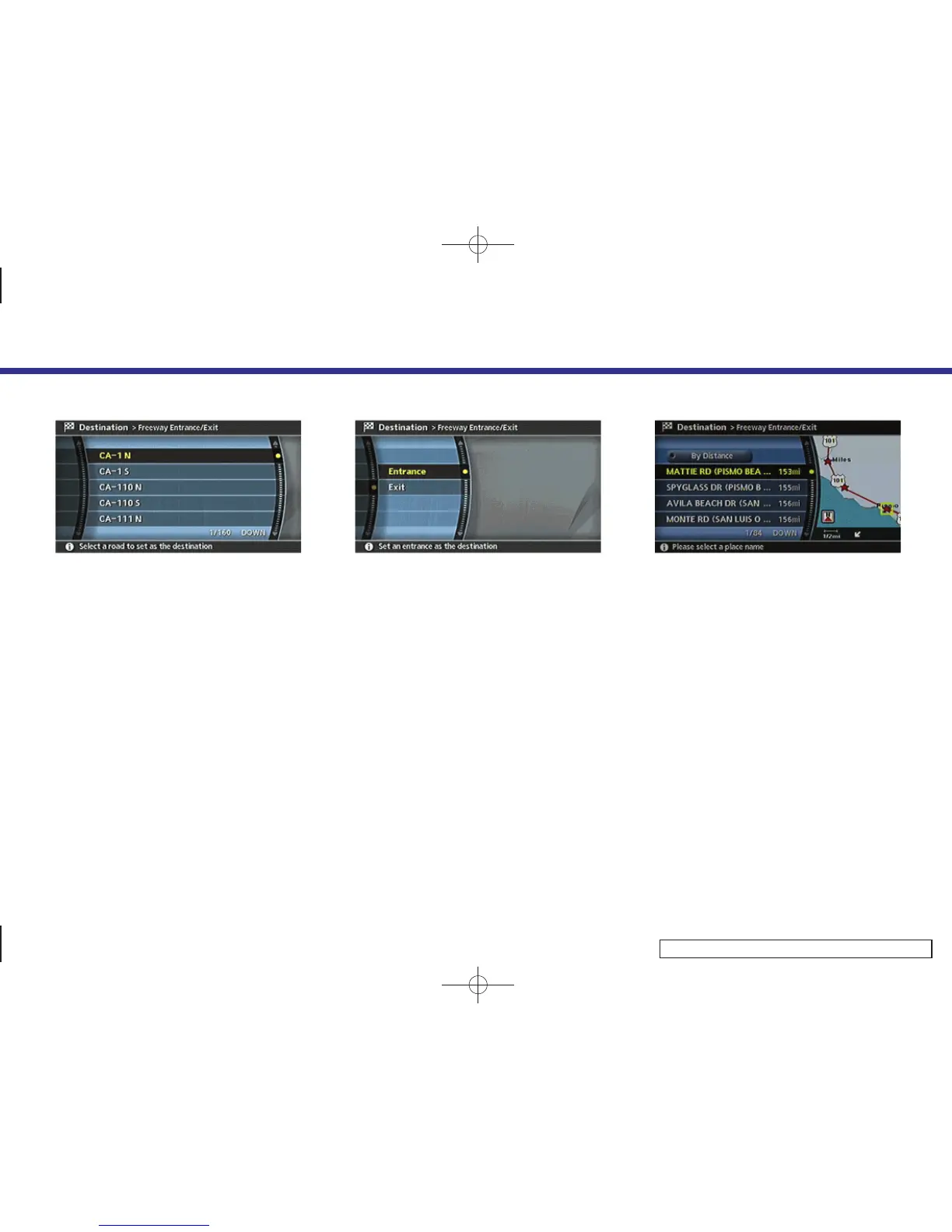
5. Highlight the freeway of the destination
from the list, and push <ENTER>.
INV2529
6. Highlight [Entrance] or [Exit] and push
<ENTER>.
A list screen is displayed.
INV2921
7. Select the preferred destination from
the list.
The position of the selected location is
displayed in the preview on the right
side of the screen. Then, push <ENTER>.
4. Setting a destination
4-43



 To Next Page