Black plate (147,1)
Model "INFINITI_NAVI" EDITED: 2006/ 3/ 20
VIEWING INFORMATION ABOUT THE
SEARCHED LOCATION
Information (street address and phone
number) about Points of Interest stored in
the map DVD-ROM data can be displayed.
INV2578
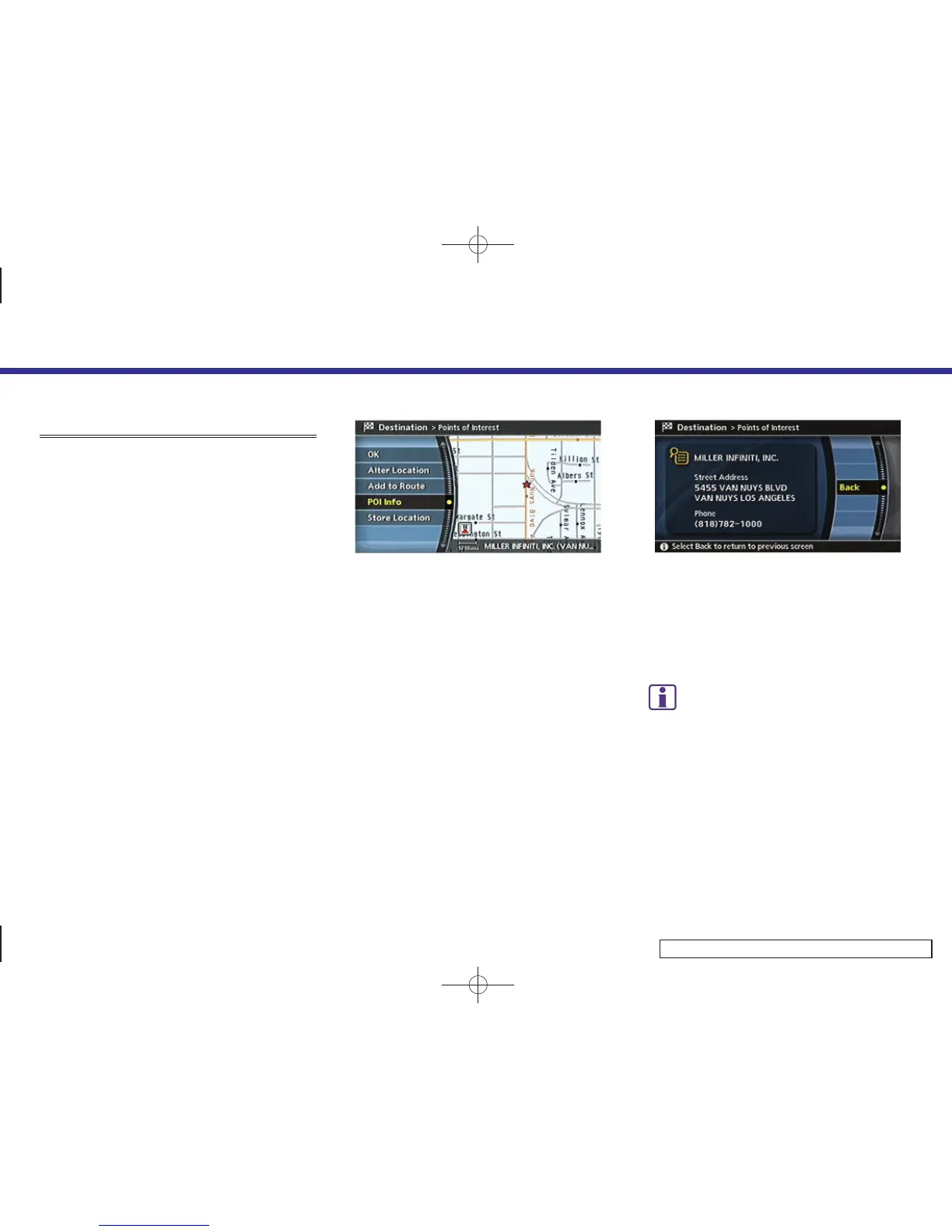
1. Set the destination using an appropri-
ate method.
2. Highlight [POI Info] and push <ENTER>.
INV3033
3. Information about the location is dis-
played.
4. Push <BACK>, or highlight [Map] and
push <ENTER> to return to the previous
screen.
INFO:
If [call] is displayed on the right side of the
screen, it is possible to cal l to the place
indicated (M45/M35 only).
4. Setting a destination
4-53



 To Next Page