Black plate (158,1)
Model "INFINITI_NAVI" EDITED: 2006/ 3/ 20
GUIDANCE SCREENS AND PREVIEW
MODE
Route guidance displays map screens and
various information according to the situa-
tion.
INV2592
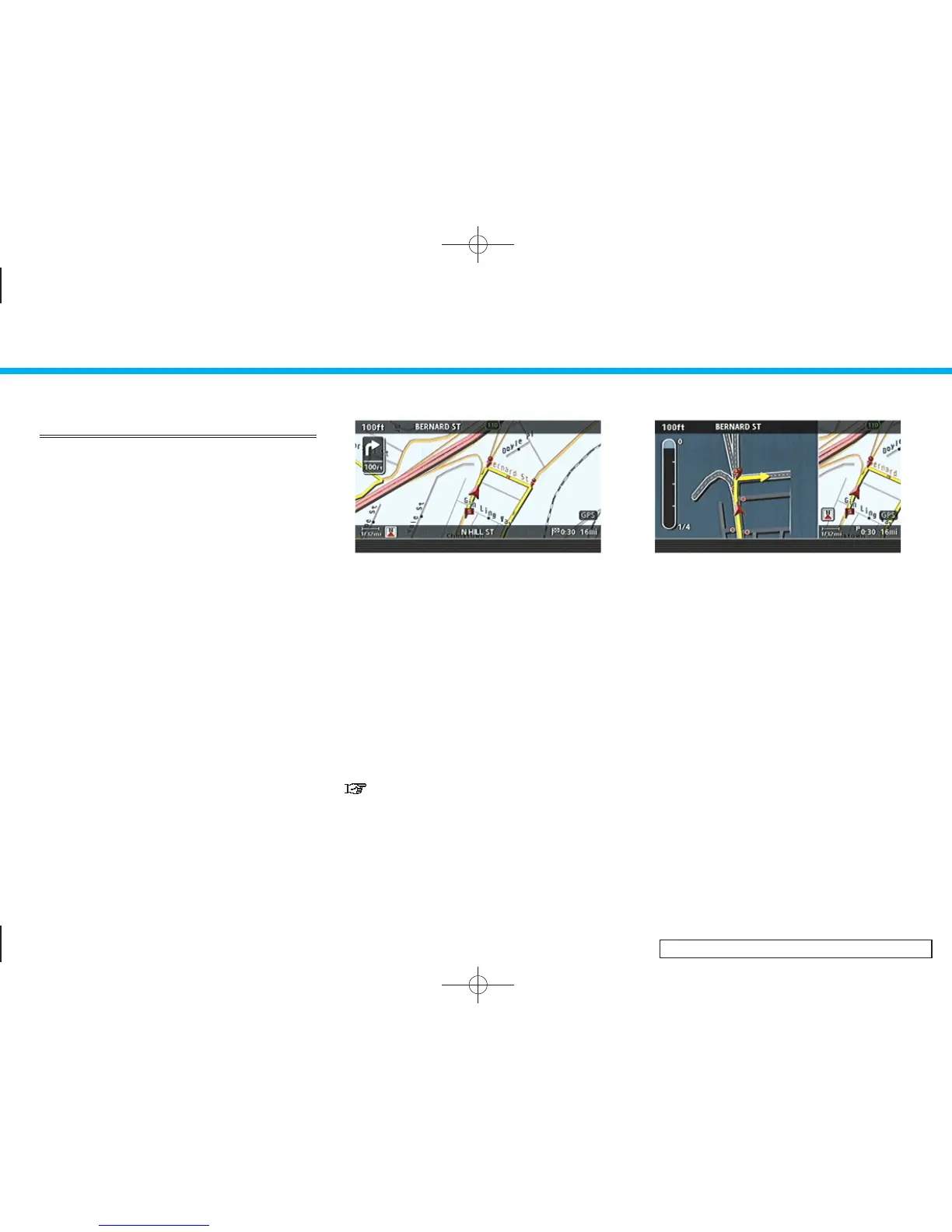
When route guidance star ts, the Small Turn
Arrow on Map is displayed in the upper left
corner of the map scre en. This arrow
indicates the turning direction at the next
guide point (corner or intersection). The
distance is also displayed. At the top of the
screen, the distance to the next guide point
and the name of the next street to turn on
to are displayed. Also, there may be cases
that next street names are announced.
The Small Turn Arrow on Map can be
enabled or disabled by the user.
“ROUTE GUIDANCE SETTINGS”
(page 5-30)
INV2593
Enlarged intersection view
When approaching a guide point, the
system automatically changes to the split
screen and shows an enlarged view of the
intersection in the left screen. After pas-
sing through the intersection, the system
automatically returns to the full screen
mode.
To switch to the full screen mode while the
enlarged intersection view is displayed,
push <MAP> .
5. Route guidance
5-8


 To Next Page
 Loading...