Black plate (160,1)
Model "INFINITI_NAVI" EDITED: 2006/ 3/ 20
ROUTE SETTING
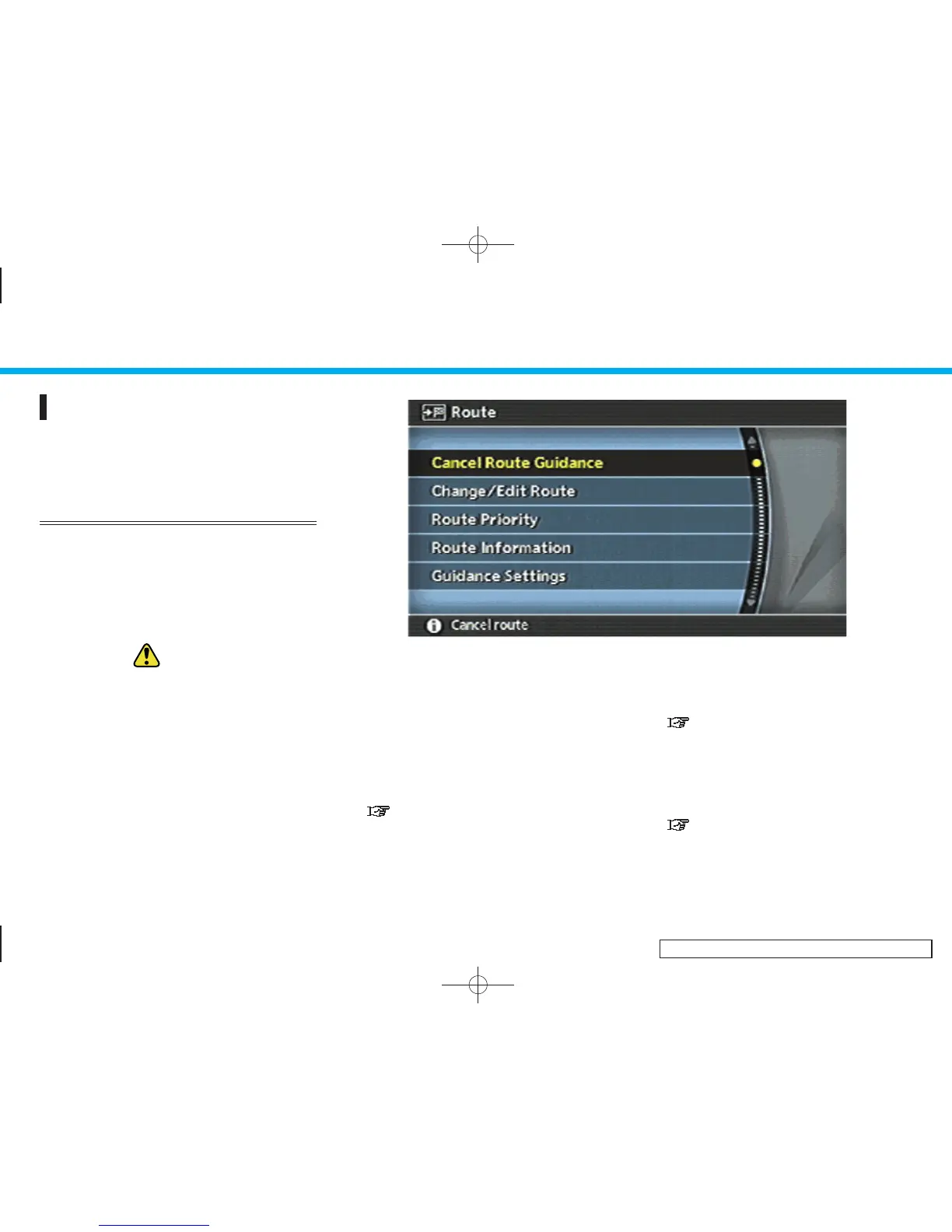
During route guidance, you can modify the
route conditions or confirm the route
information. Set the appropriate route
condition according to your purpose.
BASIC OPERATION
1. Push <ROUTE>.
2. Highlight the preferred setting item and
push <ENTER>.
3. Push <MAP> to return to the current
location map screen.
WARNING:
Always stop the vehicle in a safe location bef-
ore modifying the route conditions.
Modifying the route conditions while driving
may cause an accident.
INV2596
Available setting items
. Cancel Route Guidance/Resume Route
Guidance:
Allows you to cancel the current route
guidance. A cancelled route can also be
reactivated. If the suggested route is
cancelled, [Cancel Route Guidance]
changes to [Resume Route Guidance].
“ DELETING/REACTIVATING A
ROUTE” (page 5-36)
. Change/Edit Route:
Allows you to change or edit the route
already set.
“CHANGE/EDIT ROUTE”
(page 5-15)
. Route Priority:
Allows you to change the route calcula-
tion conditions anywhere along the
route.
“SETTIN G CONDITIONS FOR THE
ROUTE CALCULATION” (page 5-11)
5. Route guidance
5-10


 To Next Page
 Loading...