Black plate (163,1)
Model "INFINITI_NAVI" EDITED: 2006/ 3/ 20
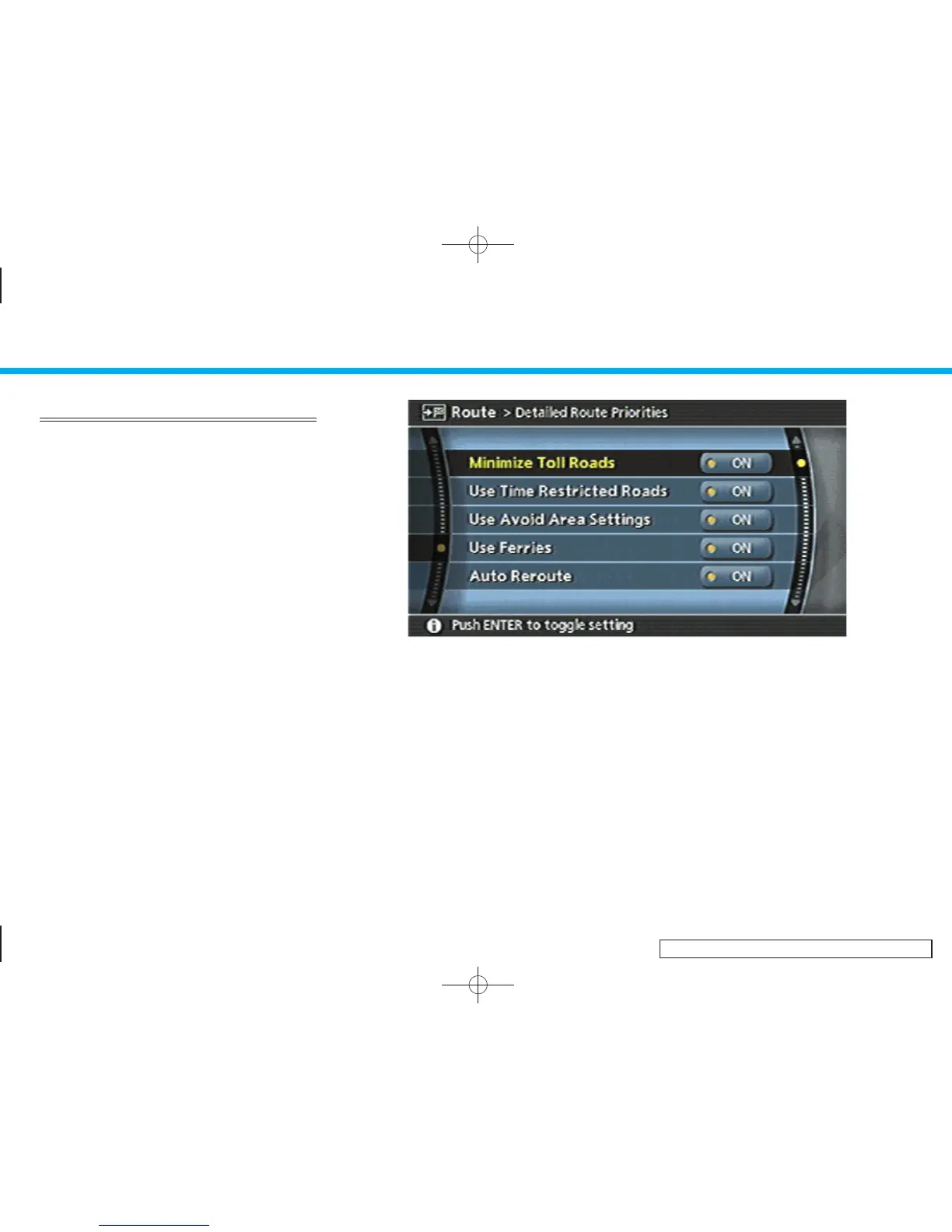
DETAILED ROUTE PRIORITIES
Detailed conditions can be set for the route
calculation.
Basic operation
1. Push <ROUTE>.
2. Highlight [Route Priority] and push
<ENTER>.
3. Highlight [Detailed Route Priorities] and
push <ENTER>.
4. Highlight the preferred condition and
push <ENTER>. The indicator for the
selected condition illuminates.
5. When the current location map screen
or route setting screen is displayed, the
system recalculates a route with the set
conditions.
INV2598
Available setting items
. Minimize Toll Roads:
Minimizes the use of toll roads.
. Use Time Restricted Roads:
Uses any roads subject to time restric-
tions.
. Use Avoid Area Settings:
Enables the avoid area setting.
. Use Ferries:
Includes the use of ferries.
. Auto Reroute:
If the vehicle deviates from the sug-
gested route, the system automatically
recalculates a route that leads the
vehicle to the suggested route.
5. Route guidance
5-13


 To Next Page
 Loading...