Black plate (165,1)
Model "INFINITI_NAVI" EDITED: 2006/ 3/ 20
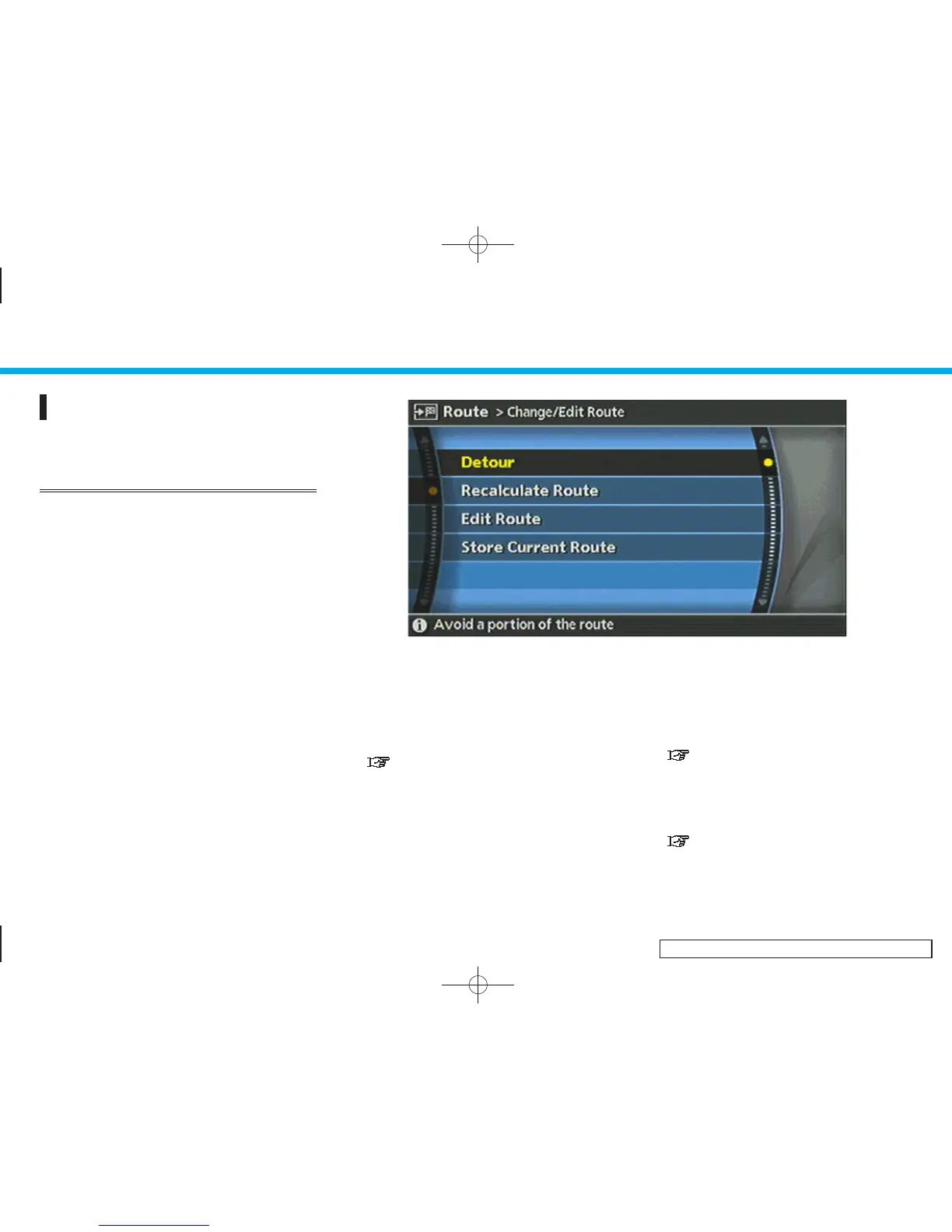
CHANGE/EDIT ROUTE
You can calculate a detour for a section of
the route, edit the route or store the route.
BASIC OPERATION
1. Push <ROUTE>.
2. Highlight [Change/Edit Route] and push
<ENTER>.
3. Highlight the preferred setting item and
push <ENTER>.
4. Push <MAP> to return to the current
location map screen.
INV2812
Available setting items
. Detour:
If you want to detour from the sug-
gested route, you can calculate a route
detouring for a specified distance.
“SETTING A DETOUR ROUTE”
(page 5-17)
. Recalculate Route:
When you have deviated from the
suggested route, you can recalculate a
route from the current location to the
destination manually or automatically.
“RECALCULATE ROUTE”
(page 5-18)
. Edit Route:
You can edit the route and adjust the
settings for route calculation.
“EDITING A ROUTE” (page 5-19)
5. Route guidance
5-15


 To Next Page
 Loading...