Black plate (178,1)
Model "INFINITI_NAVI" EDITED: 2006/ 3/ 20
INV2935
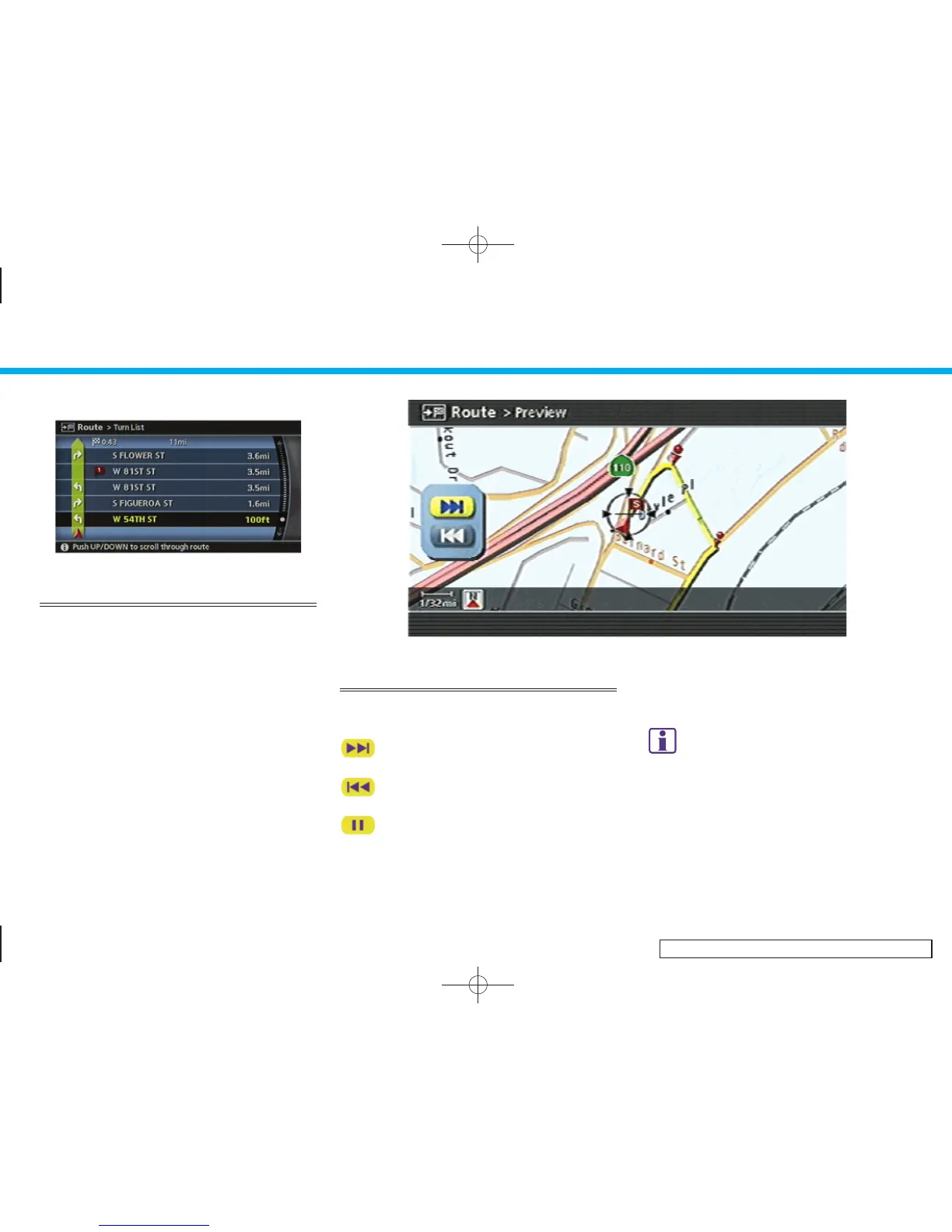
USING TURN LIST
1. You can confirm the information (e.g.,
intersections) on the route to the
destination by scrolling the screen
using the joystick, the up and down
switches of the main directional but-
tons or the center dial.
2. Push <MAP> to return to the current
location map screen.
INV2623
USING ROUTE PREVIEW
1. Highlight the preferred key and push
<ENTER>.
: Goes forward in the direction of the
destination.
: Goes backward in the direction of
the starting point.
: Pauses the route preview.
2. Push <BACK> to cancel the preview and
return to the current location map
screen.
INFO:
During route preview, you can change the map
scale by pushing <ZOOM IN> or <ZOOM OUT>.
5. Route guidance
5-28


 To Next Page
 Loading...