Black plate (182,1)
Model "INFINITI_NAVI" EDITED: 2006/ 3/ 20
INV2630
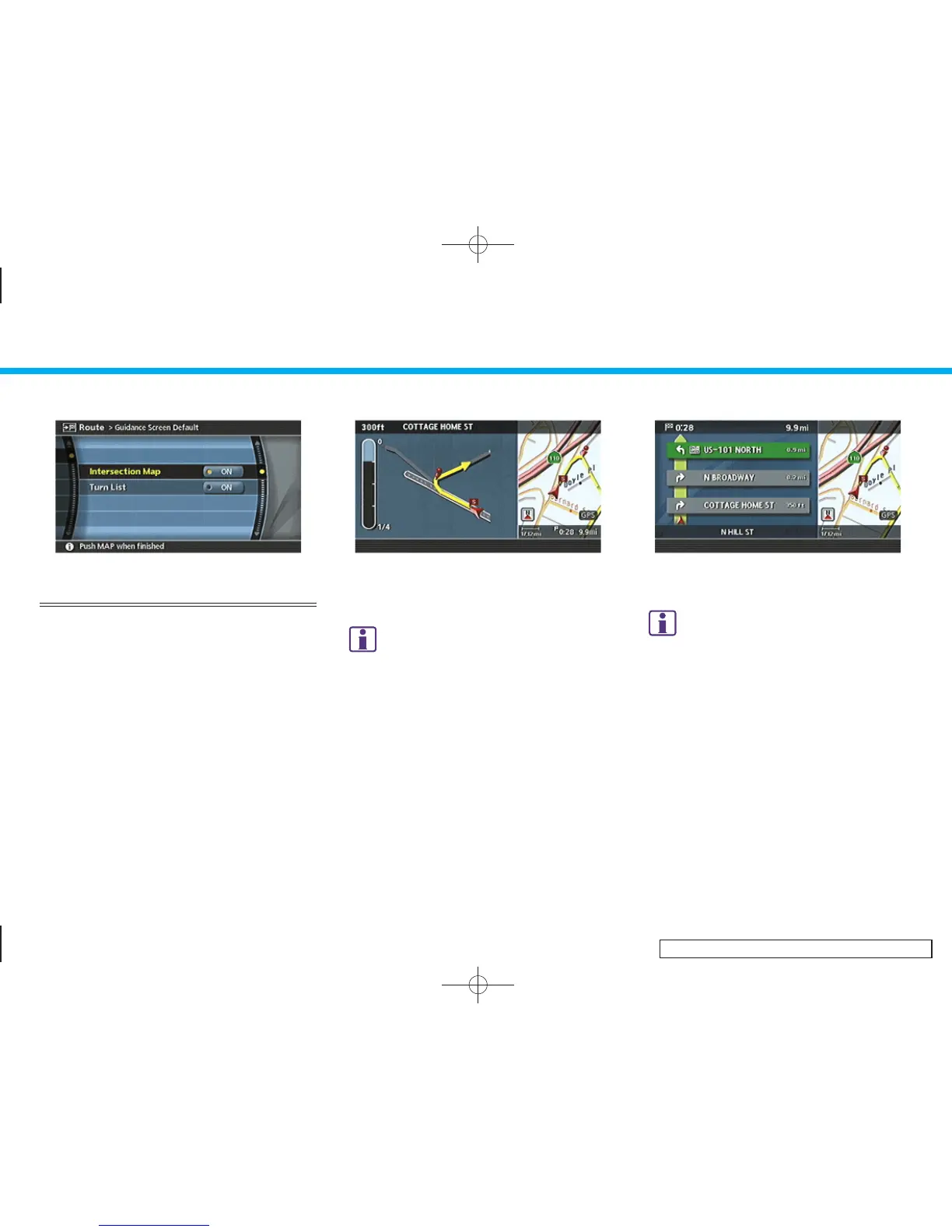
VISUAL GUIDANCE SETTINGS
1. Highlight [Guidance Screen Default]
and push <ENTER>.
2. The indicator of the selected type of
guidance illuminates.
INV2631
Intersection Map: Enlarged intersection
view
INFO:
Push <MAP> to switch to the full map screen.
INV2632
Turn list: Right/Left turn list
INFO:
.
Turn list can be scrolled using the joystick,
the center dial or the main directional
buttons.
.
Pushing <MAP> toggles between the full
map screen and enlarged intersection view.
5. Route guidance
5-32



 To Next Page