Black plate (192,1)
Model "INFINITI_NAVI" EDITED: 2006/ 3/ 20
INV2644
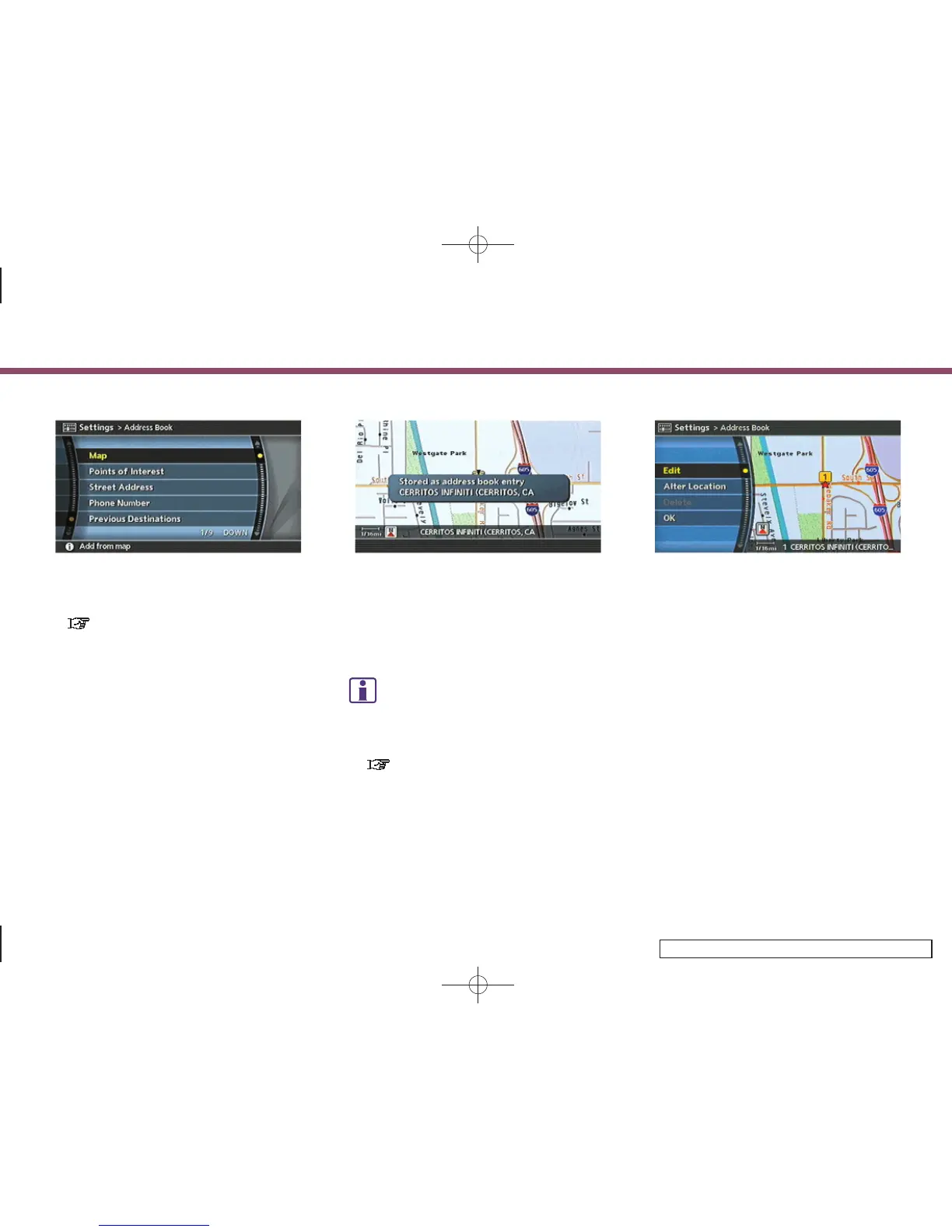
6. Highlight the appropriate method to
search for a location and push <ENTER>.
“4. Setting a destination”
INV2645
7. When your preferred location is dis-
played at the center of the map,
confirm the location and push <ENTER>.
A message is displayed, and the loca-
tion is stored in the Address Book.
INFO:
You can adjust a location by selecting [Alter
Location] using the same method as the one
for a destination.
“ADJUSTING TH E LOCATION OF THE
DESTINATION” (page 4-51)
INV2646
8. Adjust the location of the stored item
and edit the contents of the stored item
as necessary.
After finishing the setting, highlight
[OK] and push <ENTER>.
6. Storing a location/route
6-4


 To Next Page
 Loading...