Black plate (194,1)
Model "INFINITI_NAVI" EDITED: 2006/ 3/ 20
INV2638
STORING A LOCATION BY MOVING
THE MAP
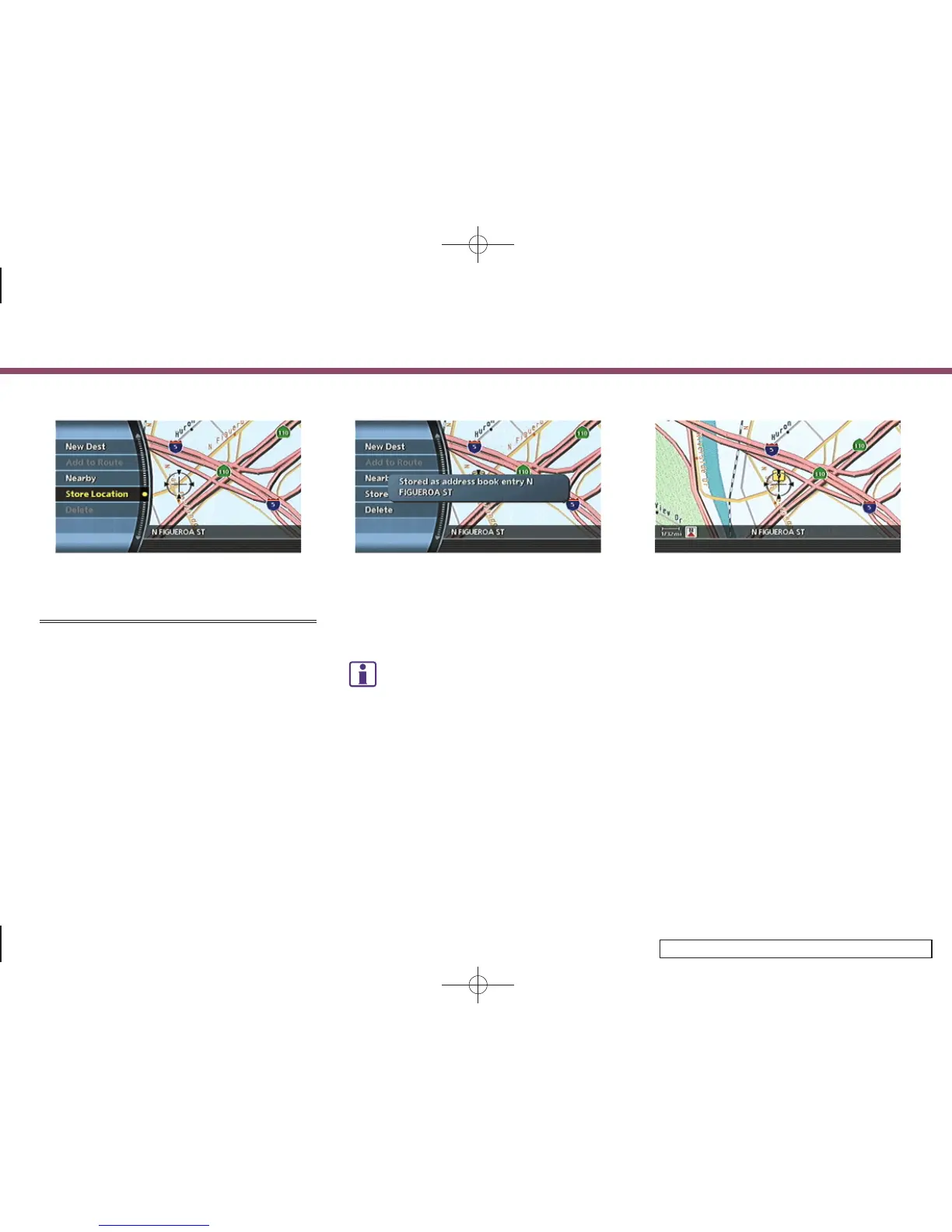
1. Move to the preferred location on the
map and push <ENTER>.
INV2639
2. Highlight [Store Location] and push
<ENTER>.
A message is displayed, and the loca-
tion is stored in the Address Book.
INFO:
The location is stored in the first available
position number in the Address Book list.
INV2640
3. Push <MAP> to return to the current
location map screen.
The icon representing the stored loca-
tion is displayed on the map.
6. Storing a location/route
6-6



 To Next Page