Black plate (196,1)
Model "INFINITI_NAVI" EDITED: 2006/ 3/ 20
INV2648
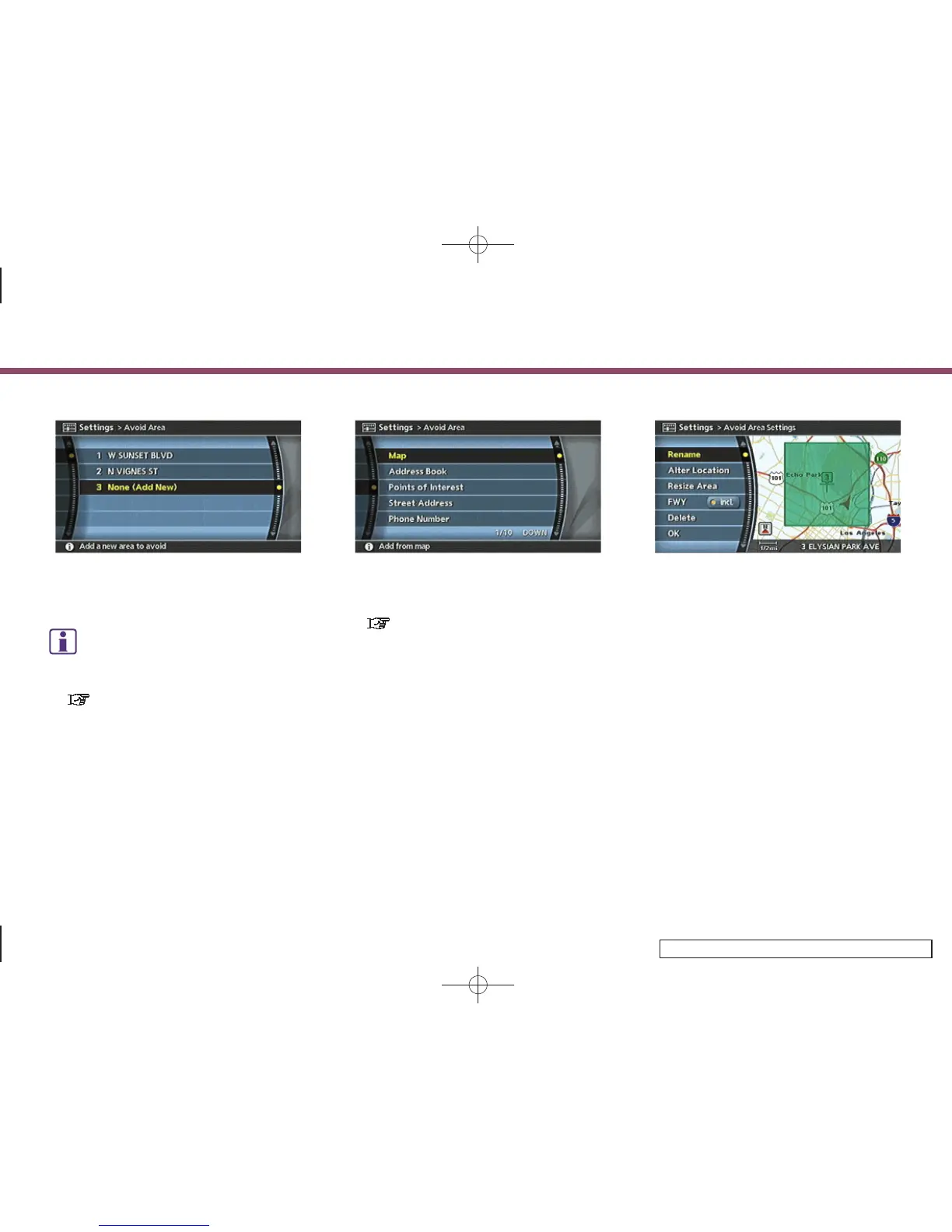
4. Highlight [None (Add New)] and push
<ENTER>.
INFO:
A maximum of 10 Avoid Areas can be
stored.
“DELETING A STORED ITEM”
(page 6-31)
INV2649
5. Highlight the appropriate method to
search for a location and push <ENTER>.
“4. Setting a destination”
INV2650
6. Set the following items for the searched
location.
Available setting items
.
Rename
.
Alter Location
.
Resize Area
.
FWY
.
Delete
7. After finishing the setting, highlight
[OK] and push <ENTER>.
6. Storing a location/route
6-8



 To Next Page