Black plate (201,1)
Model "INFINITI_NAVI" EDITED: 2006/ 3/ 20
INV2657
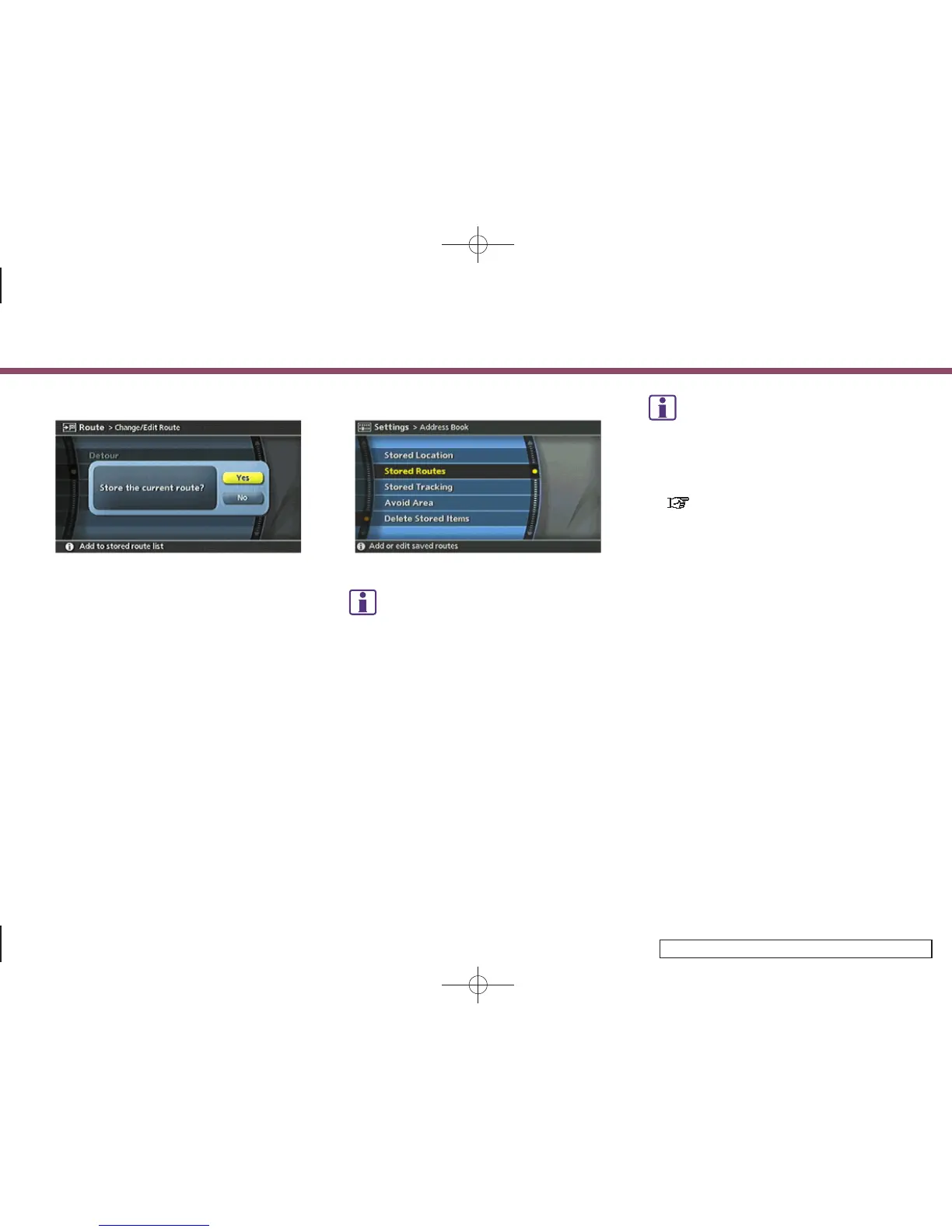
4. A confirmation message is displayed.
Confirm the contents of the message,
highlight [Yes] and push <ENTER>.
The current route is stored.
INV2815
INFO:
You can also store a route using the following
procedure.
1)
Push <SETTING>.
2)
Highlight [Navigation] and push <ENTER>.
3)
Highlight [Address Book] and push <ENTER>.
4)
Highlight [Stored Routes] and push <ENTER>.
5)
Highlight[None(AddNew)]andpush
<ENTER>.
INFO:
.
The route is stored in the first available
position number in the store current route
list.
.
A maximum of 5 routes can be stored.
“DELETING A STORED ITEM”
(page 6-31)
.
If you have not set any waypoints on the
route, the route cannot be stored.
6. Storing a location/route
6-13


 To Next Page
 Loading...