Black plate (205,1)
Model "INFINITI_NAVI" EDITED: 2006/ 3/ 20
MINOR ADJUSTMENT OF THE
STORED HOME AND LOCATIONS
When you select [Edit], you can edit the
following items of the home or stored
location.
. Show Icon on Map
. Name (only for stored locations)
. Vo icetag (only for stored locations)
(M45/M35 only)
. Icon
. Sound
. Direction
. Distance
. Phone No.
. Group (only for stored locations)
. Entry Number (only for stored locations)
INV2664
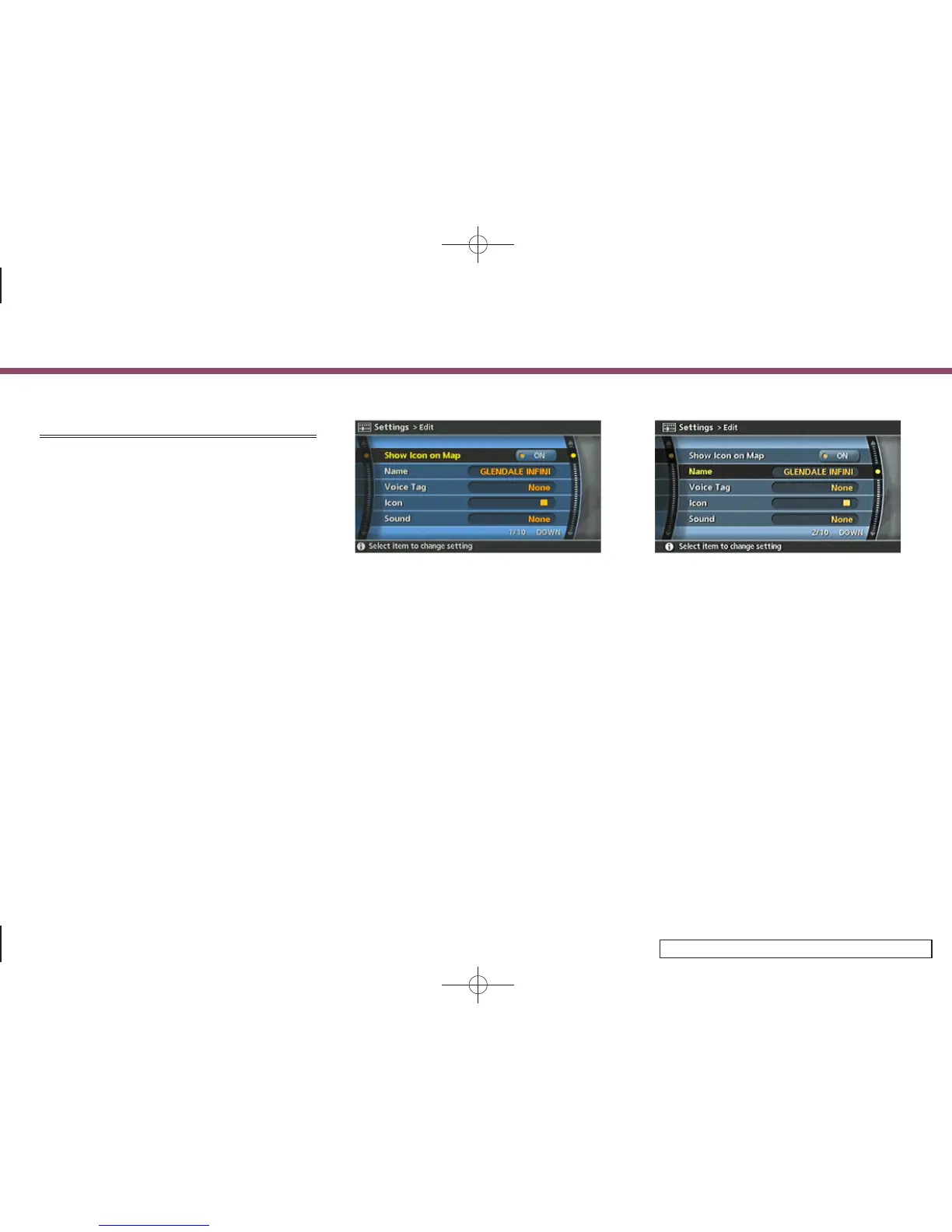
Show Icon on Map
Displays the home icon or the stored
location icon on the map.
1. Highlight [Show Icon on Map] and push
<ENTER>.
2. The indicator illuminates when the item
is set. Then the system displays the
icon on the map.
INV2675
Name (only for stored locations)
Changes the name of a stored location.
1. Highlight [Name] and push <ENTER>.
A character input screen is displayed.
6. Storing a location/route
6-17


 To Next Page
 Loading...