Black plate (216,1)
Model "INFINITI_NAVI" EDITED: 2006/ 3/ 20
INV2682
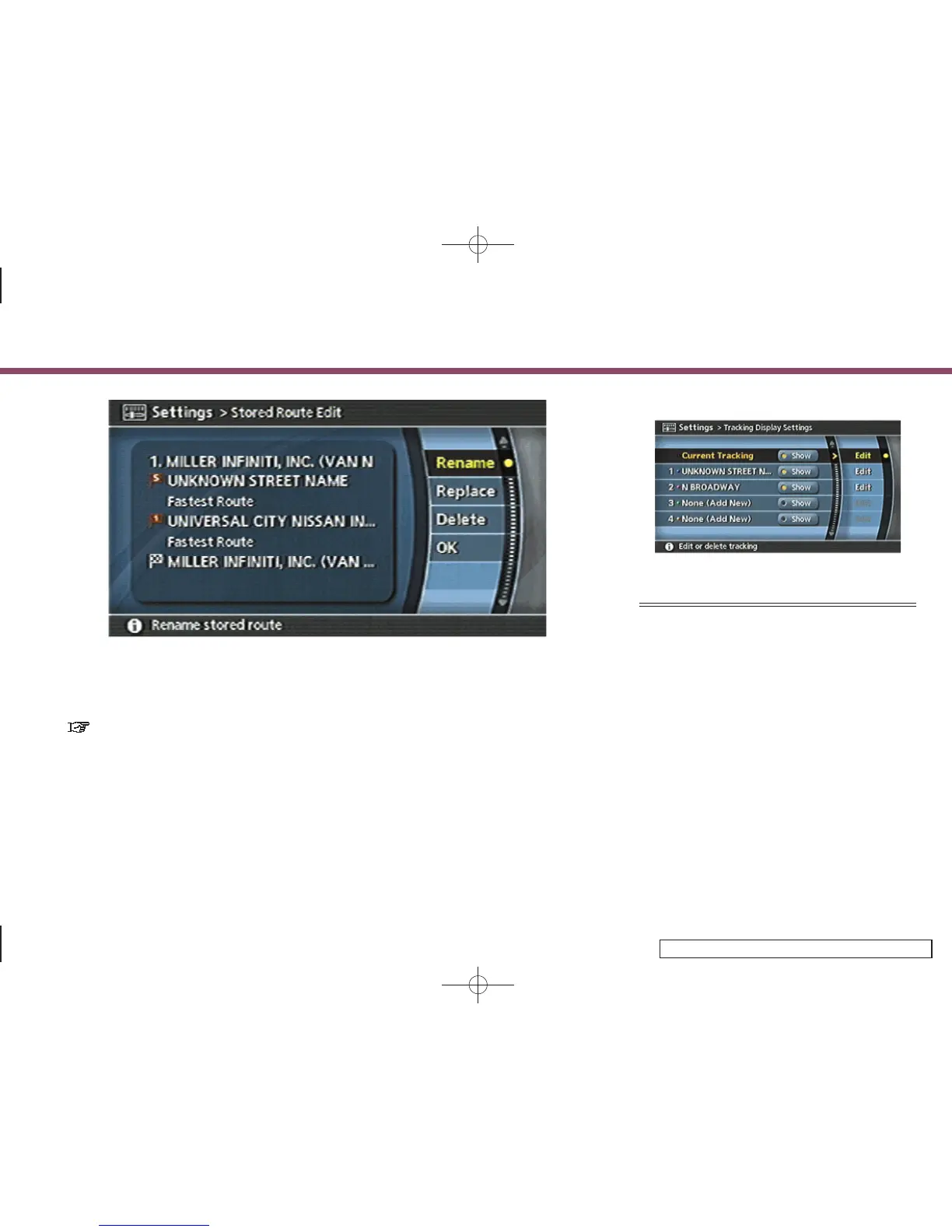
Available setting items:
. Rename:
Changes the name.
“CHARACTER (letter and number)
INPUT SCREEN” (page 2-34)
. Replace:
Overwrites the stored route to the
current route.
. Delete:
Deletes the stored route.
. OK:
Applies the settings.
INV2683
EDITING THE STORED TRACKING
1. Highlight the preferred stored tracked
route and push <ENTER>. The [Show]
indicator for the stored tracked route
illuminates, and the route is displayed
on the map.
G35 Coupe, QX56:
Tilt the joystick to the right to highlight
[Edit].
M45/M35, FX45/35:
Push the right button of the main
directional buttons to highlight [Edit].
6. Storing a location/route
6-28


 To Next Page
 Loading...