Black plate (218,1)
Model "INFINITI_NAVI" EDITED: 2006/ 3/ 20
INV2686
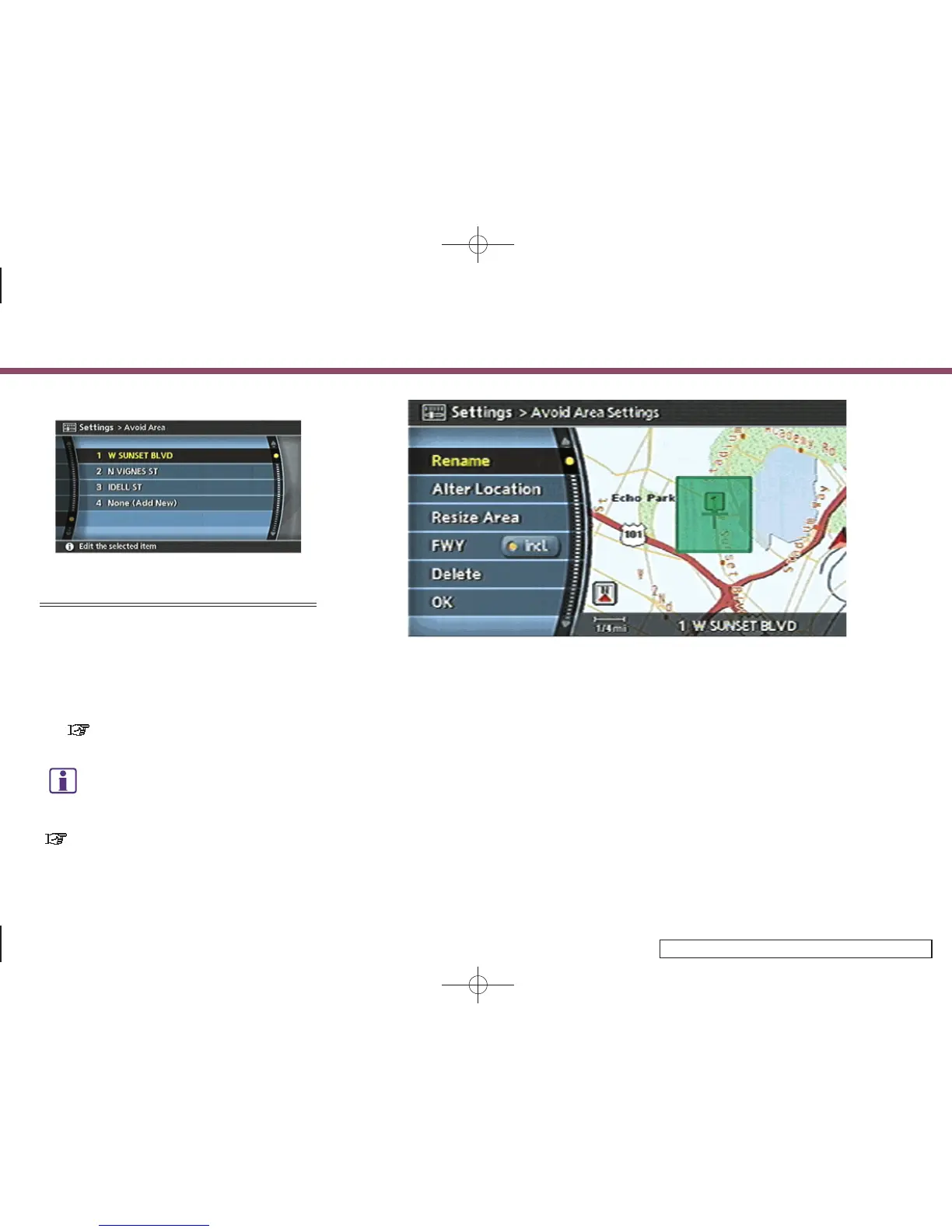
EDITING THE AVOID AREA
1. Highlight the preferred Avoid Area and
push <ENTER>.
2. Highlight the preferred item and push
<ENTER>.
The setting method is the same as the
one for the Avoid Area setting.
“AVOID AREA SETTINGS”
(page 6-7)
INFO:
If you select [None (Add New)], you can add an
Avoid Area.
“AVOID AREA SETTINGS” (page 6-7)
INV2687
Available setting items
. Rename:
Changes the name.
. Alter Location:
Adjusts the location of the Avoid Area.
. Resize Area:
Adjusts the range of the Avoid Area.
. FWY:
Avoids freeways.
. Delete:
Deletes the stored Avoid Area.
. OK:
Applies the settings.
6. Storing a location/route
6-30


 To Next Page
 Loading...