Black plate (220,1)
Model "INFINITI_NAVI" EDITED: 2006/ 3/ 20
INV2961
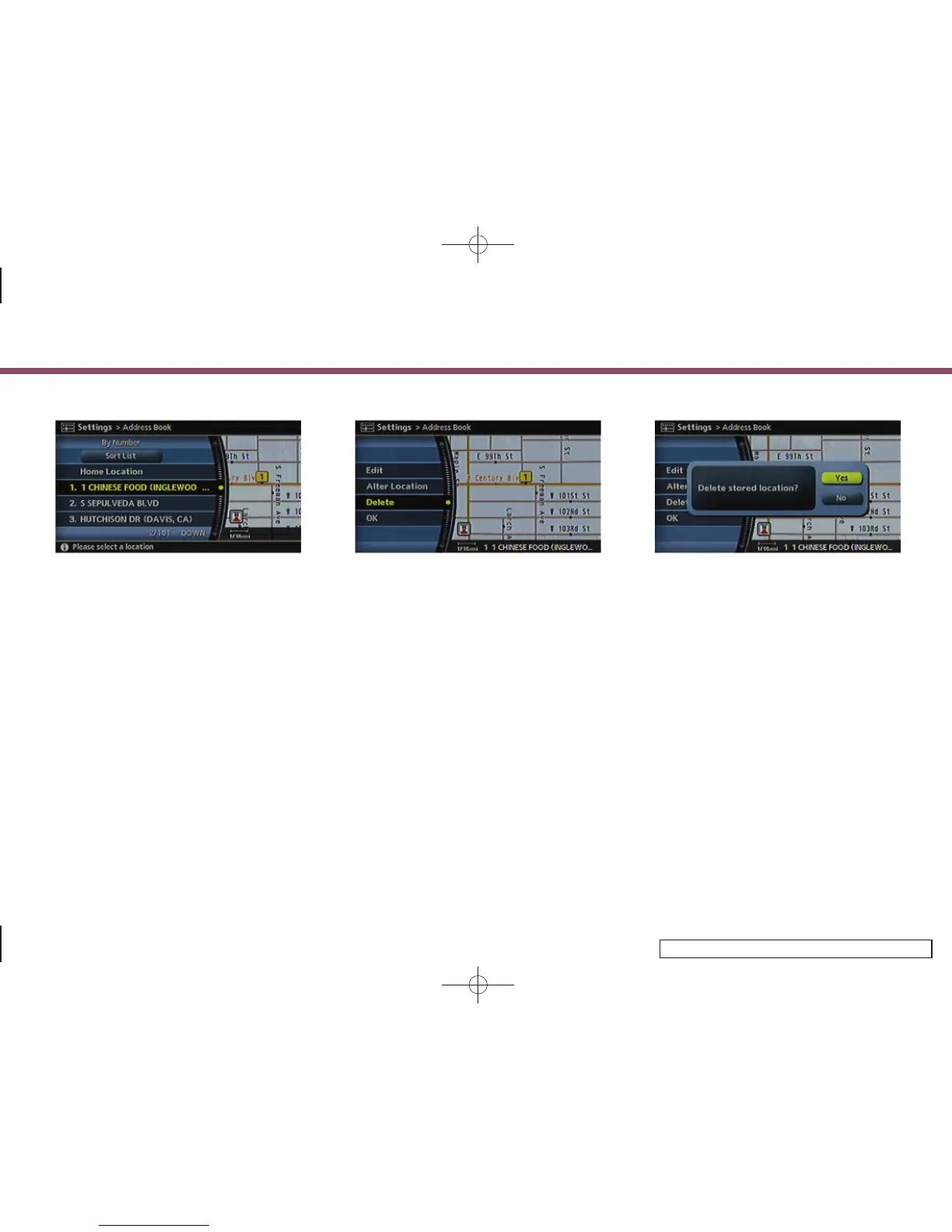
3. Highlight the preferred location/route
for deletion and push <ENTER>.
INV2962
4. Highlight [Delete] and push <ENTER>.
INV2963
5. A confirmation message is displayed.
Confirm the contents of the message,
highlight [Yes] and push <ENTER>.
The stored item is deleted from the
Address Book.
6. Storing a location/route
6-32



 To Next Page