Black plate (223,1)
Model "INFINITI_NAVI" EDITED: 2006/ 3/ 20
INV2697
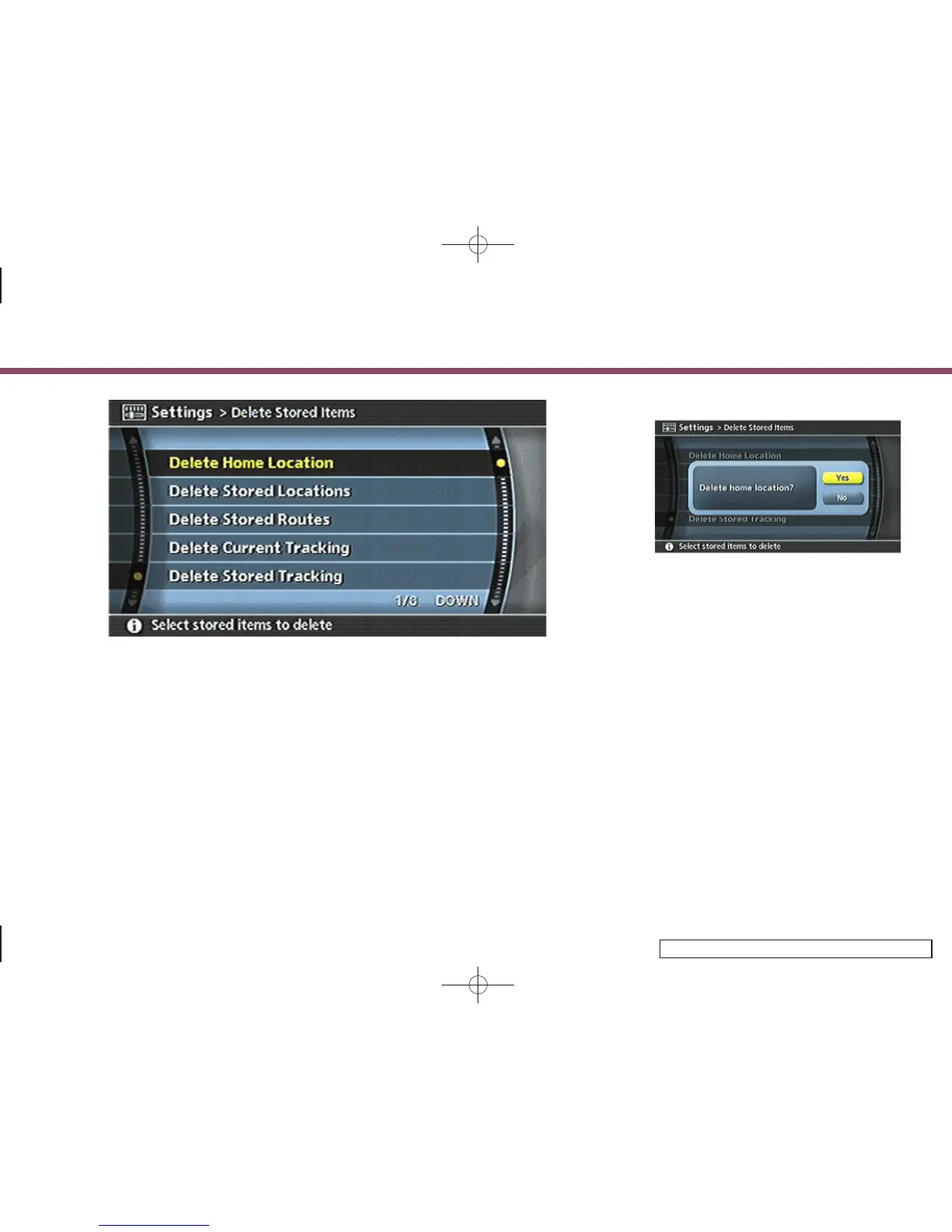
4. Highlight the preferred item for deletion
and push <ENTER>.
Items that can be deleted
.
Delete Home Location:
Deletes the home location.
.
Delete Stored Locations:
Deletes all stored locations.
.
Delete Stored Routes:
Deletes all stored routes.
.
Delete Current Tracking:
Deletes the current tracked route.
.
Delete Stored Tracking:
Deletes all stored tracked routes.
.
Delete Avoid Areas:
Deletes all stored Avoid Areas.
.
Delete Previous Destinations:
Deletes all previous destinations.
.
Delete Previous Starting Point:
Deletes the previous starting point.
INV2698
5. A confirmation message is displayed.
Confirm the contents of the message,
highlight [Yes] and push <ENTER>.
The stored items are deleted from the
Address Book.
6. Storing a location/route
6-35


 To Next Page
 Loading...