Black plate (225,1)
Model "INFINITI_NAVI" EDITED: 2006/ 3/ 20
INV2700
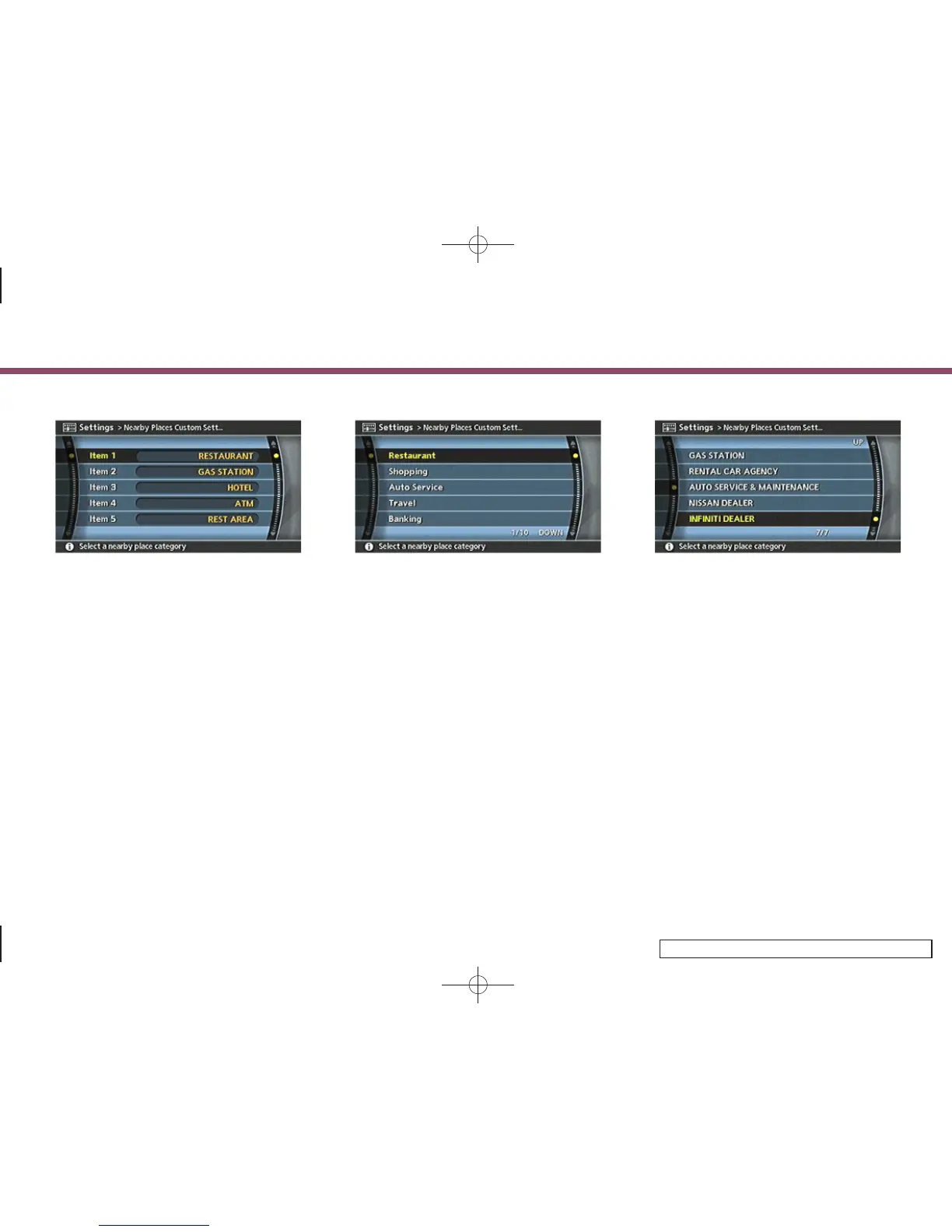
3. Highlight the preferred item and push
<ENTER>.
The main category list is displayed.
INV2701
4. Highlight a main category and push
<ENTER>.
The sub category list is displayed.
INV2702
5. Highlight a sub category and push
<ENTER>.
The category setting is modified.
6. Push <MAP> to return to the current
location map screen.
6. Storing a location/route
6-37



 To Next Page