Black plate (234,1)
Model "INFINITI_NAVI" EDITED: 2006/ 3/ 20
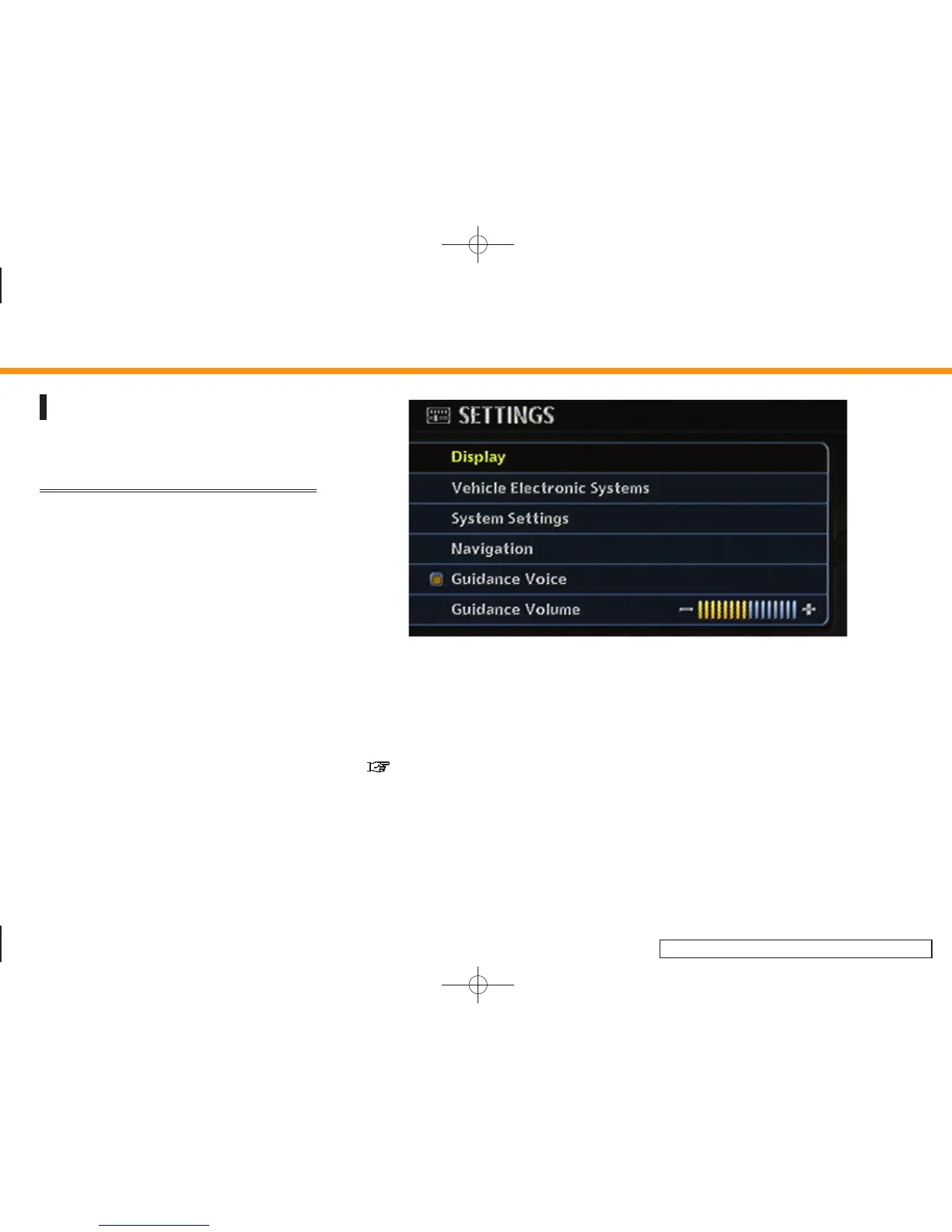
SETTINGS SCREEN (FX45/35, QX56)
The navigation system can be customized
to make it easier for you to use.
BASIC OPERATION
1. Push <SETTING>.
2. Highlight the preferred setting item and
push <ENTER>.
INV2974
Available setting items
. Rear Display (M45/M35 only):
Refer to the Owner’s Manual of your
vehicle.
. Display:
“DISPLAY SETTINGS” (page 8-4)
. System Settings:
Allows you to adjust the time setting,
language/measurement unit setting
and ON/OFF setting of beeps used in
the system.
. Navigation:
Allows you to adjust various settings of
the navigation system. Refer to the
instructions in the relevant sections.
8. Other settings
8-2


 To Next Page
 Loading...