Black plate (24,1)
Model "INFINITI_NAVI" EDITED: 2006/ 3/ 20
.
You can also select an item by tilting
the switch up and down. (M45/M35
only)
INV3001
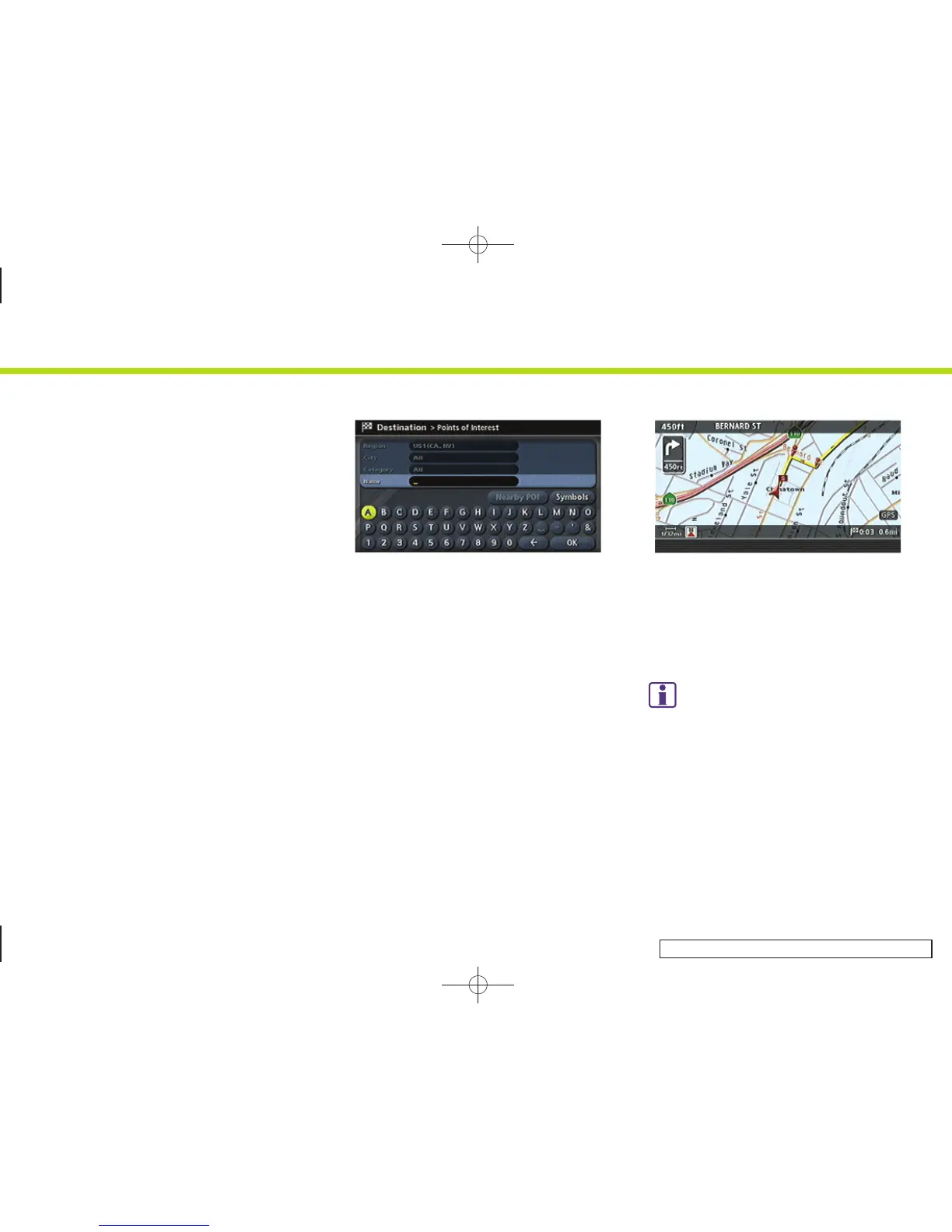
3. Depending on the item you selected, a
detailed menu screen, a character input
screen or a setting screen, etc. is
displayed. On the screen displayed,
make adjustments, input information,
etc. accordingly.
INV2734
4. Push <BACK> to return to the previous
screen without applying any changes.
Push <MAP> to return to the current
location map screen without applying
any changes.
INFO:
Depending on the menu selected, pushing
<MAP> may not return you to the current
location map screen.
2. Getting started
2-16


 To Next Page
 Loading...