Black plate (288,1)
Model "INFINITI_NAVI" EDITED: 2006/ 3/ 20
INI0133
*
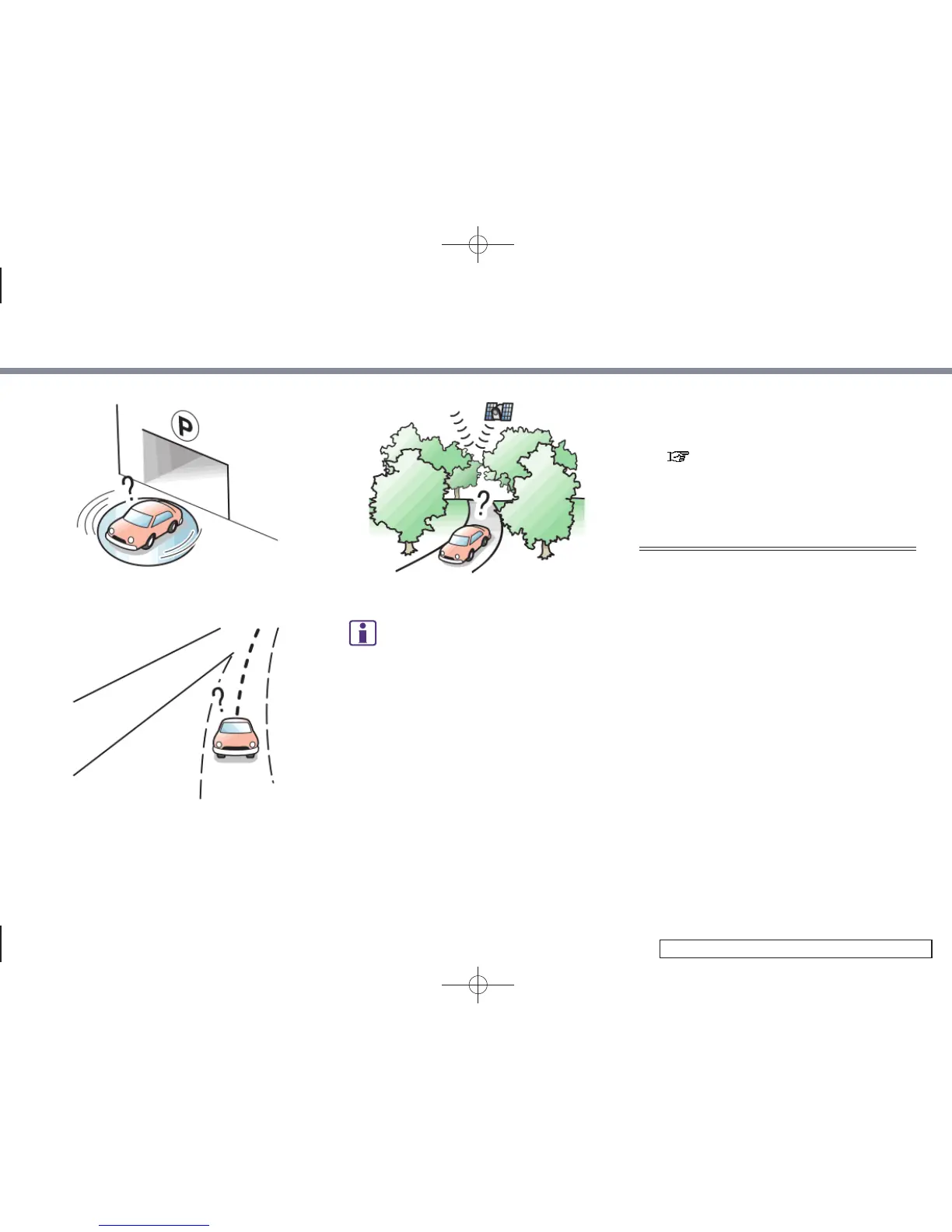
When the vehicle is rotated on a
parking lot turntable while the ignition
switch is off.
INI0134
*
When driving on a road not displayed
on the map screen or a road that has
been changed due to additional con-
struction or other reasons.
INI0124
*
When the GPS positioning accuracy is
low.
INFO:
.
The vehicle icon may be misaligned when
starting the vehicle just after star ting the
engine.
.
The vehicle icon may also be misaligned if
different sized tires or tire chains are
installed.
.
The system has a function that automati-
cally corrects the vehicle icon position when
it is misaligned from the actual position.
.
Vehicle position correction by GPS may not
function when the vehicle is stopped.
.
If the vehicle icon position does not return
to normal even after driving for a while,
correct the vehicle icon position manually.
“ADJUSTING THE CURRENT VEHICLE
LOCATION” (page 8-26)
DETAILED MAP COVERAGE AREAS
(MCA) FOR THE NAVIGATION SYS-
TEM
This system is designed to help you reach
your destination, and it also performs
other functions as outlined in this manual.
However, you, the driver, must use the
system safely and properly. Information
concerning road conditions, traffic signs
and the availability of services may not
always be up-to-date. The system is not a
substitute for safe, proper and legal driv-
ing.
Map data covers select metropolitan areas
in the United States.
Map data is available on map DVD-ROMs.
For inform ation about map DVD-ROMs,
contact an INFINITI dealer or call the
INFINITI NAVIGATION SYSTEM HELPDESK.
See the contact information on the inside
front cover of this manual.
10. General system information
10-8


 To Next Page
 Loading...