Black plate (307,1)
Model "INFINITI_NAVI" EDITED: 2006/ 3/ 20
BASIC OPERATIONS
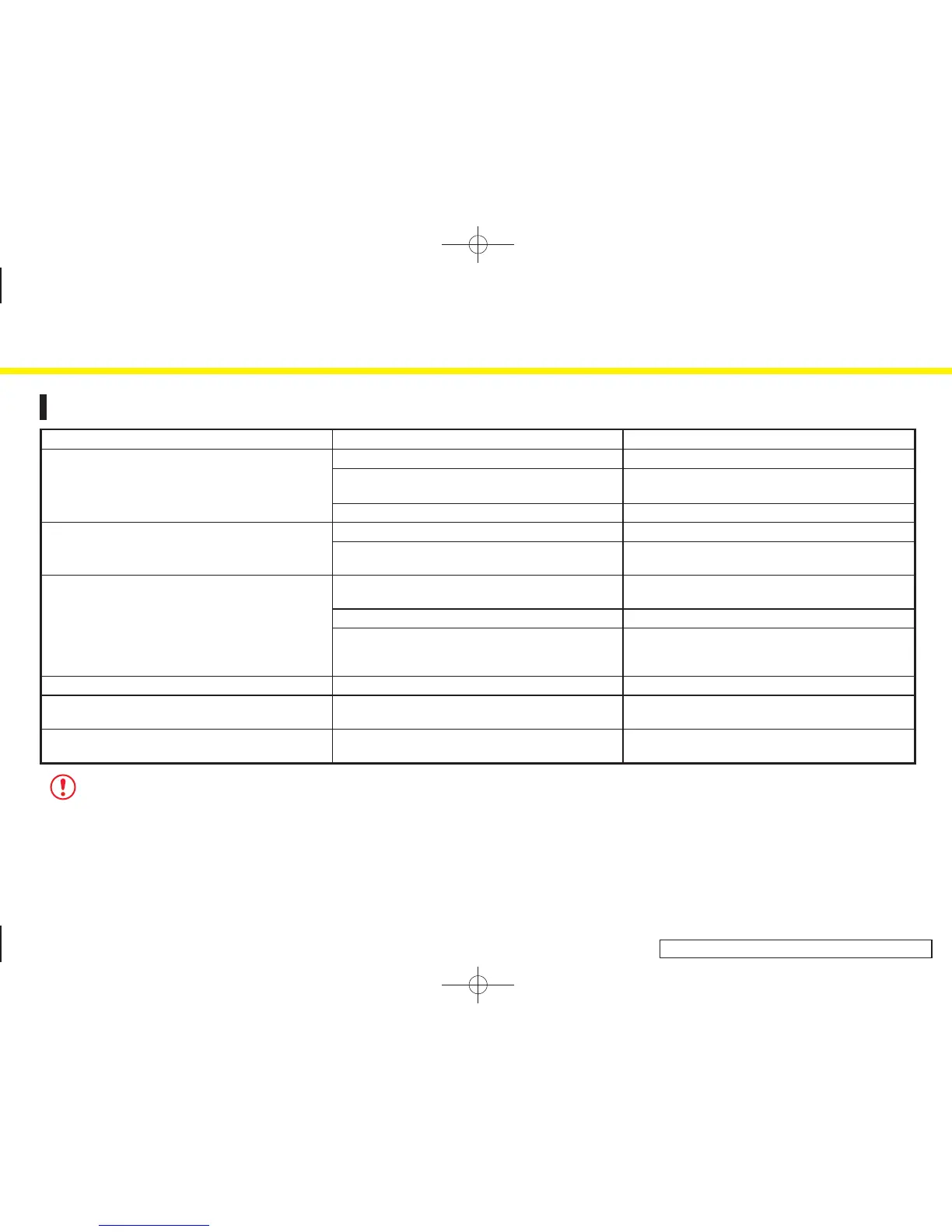
Symptom Possible cause Possible solution
No image is displayed. The brightness is at the lowest setting. Adjust the brightness of the display.
The system in the video mode. Push
<TV·AUX> to change the mode. Refer to the
Owner’s Manual of your vehicle.
The display is turned off. Push and hold <Day/Night> to turn on the display.
No voice guidance is available.
or
The volume is too high or too low.
The volume is not set correctly, or it is turned off. Adjust the volume of voice guidance.
Voice guidance is not provided for certain streets (roads
displayed in gray).
This is not a malfunction.
No map is displayed on the screen. The map DVD-ROM is not inserted, or it is inserted
upside down.
Insert the map DVD-ROM correctly.
A screen other than map screen is displayed. Push
<MAP>.
The pickup lens of the DVD unit is dirty. The pickup lens can become dirty depending on how
you use the vehicle. Contact an INFINITI dealer for
cleaning of the pickup lens.
The screen is too dim. The movement is slow. The temperature in the interior of the vehicle is low. Wait until the interior of the vehicle has warmed up.
Some pixels in the display are darker or brighter than
others.
This condition is an inherent characteristic of liquid
crystal displays.
This is not a malfunction.
Some menu items cannot be selected. Some menu items become unavailable while the
vehicle is driven.
Park the vehicle in a safe location, and then operate the
navigation system.
NOTE:
Locations stored in the Address Book and other memory functions may be lost if the vehicle’s battery is disconnected or becomes discharged.
If this occurs, service the vehicle’s battery as necessary and re-enter the information in the Address Book.
11. Troubleshooting guide
11-3


 To Next Page
 Loading...