Black plate (309,1)
Model "INFINITI_NAVI" EDITED: 2006/ 3/ 20
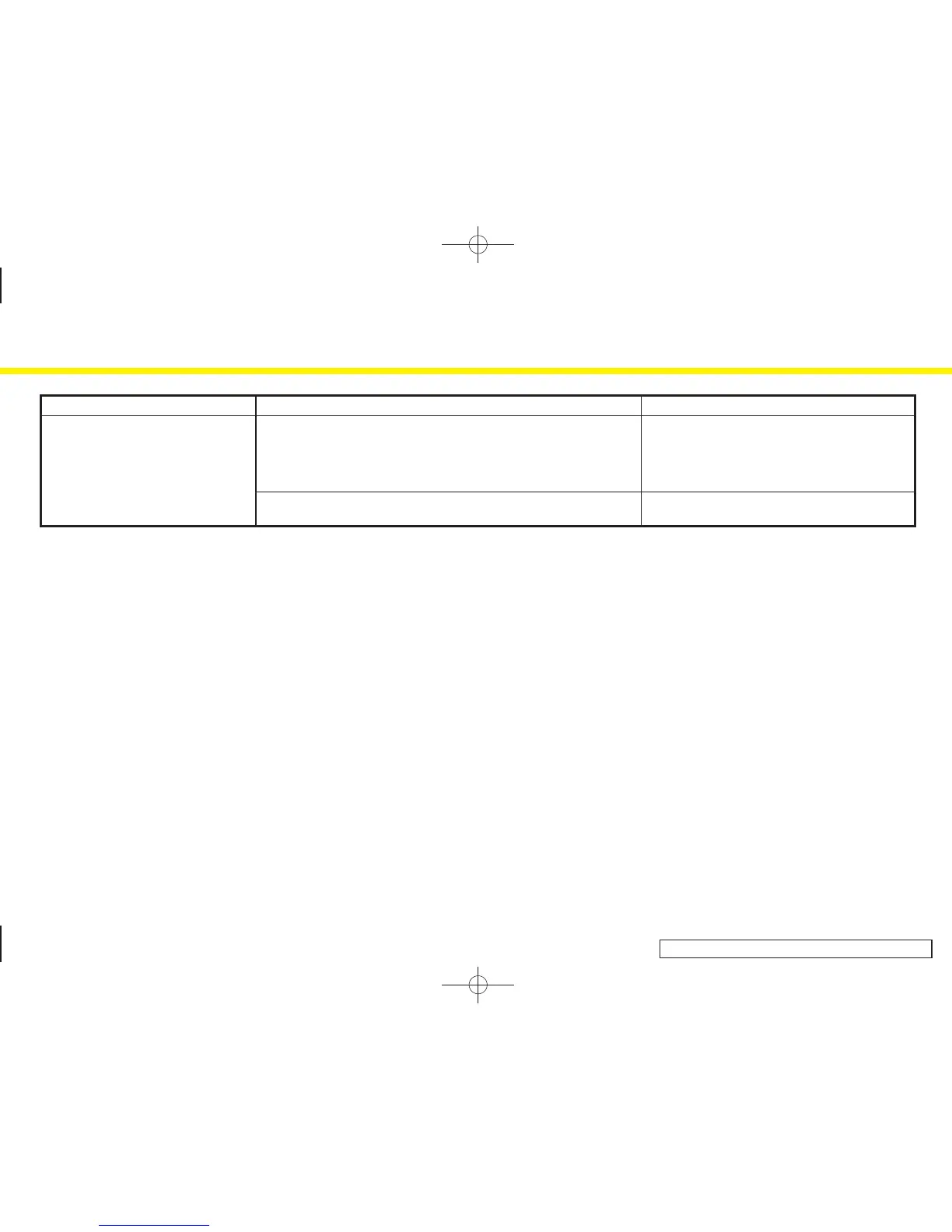
Symptom Possible cause Possible solution
The location of the vehicle icon is
misaligned from the actual position.
When using tire chains or replacing the tires, speed calculations based on
the speed sensor may be incorrect.
Drive the vehicle for a while (at approximately 19
MPH for about 30 minutes) to automatically correct
the vehicle icon position.
If this does not correct the vehicle icon position,
contact an INFINITI dealer.
The map data has a mistake or is incomplete (the vehicle icon position is
always misaligned in the same area).
Updated road information will be included in the
next version of the map DVD-ROM.
11. Troubleshooting guide
11-5


 To Next Page
 Loading...