Black plate (49,1)
Model "INFINITI_NAVI" EDITED: 2006/ 3/ 20
INV2905
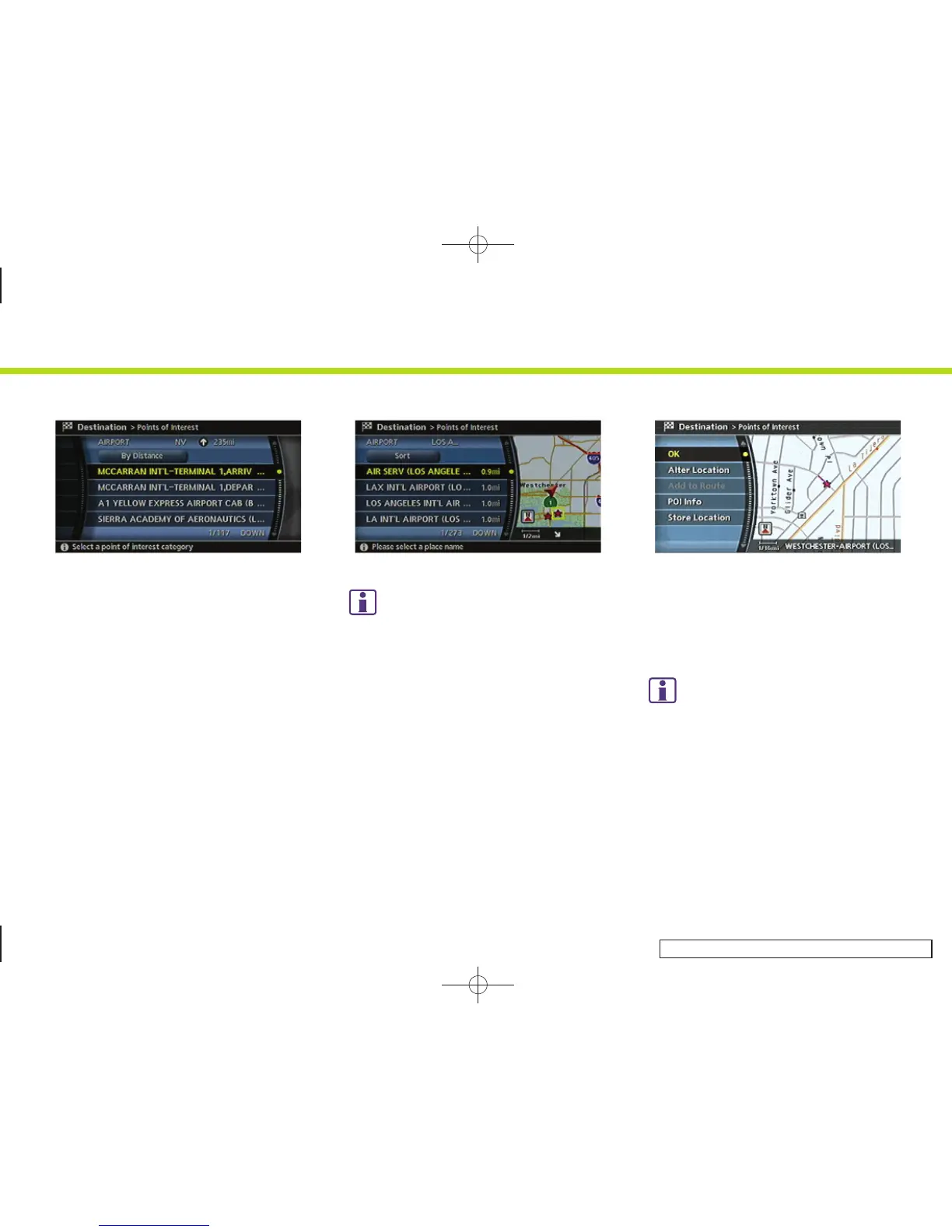
6. Highlight the preferred airport from the
list and push <ENTER>.
INV2906
INFO:
By selecting [By Distance], you can sort the
list by the shortest distance.
The position of the selected location is
displayed in the preview on the right side of
the screen.
INV2752
7. The selected destination is displayed at
the center of the map. Highlight [OK]
after confirming the location of the
displayed destination, and push
<ENTER>.
INFO:
The system sets the destination to the
selected location and starts calculating a
route.
2. Getting started
2-41



 To Next Page