Black plate (71,1)
Model "INFINITI_NAVI" EDITED: 2006/ 3/ 20
INV2466
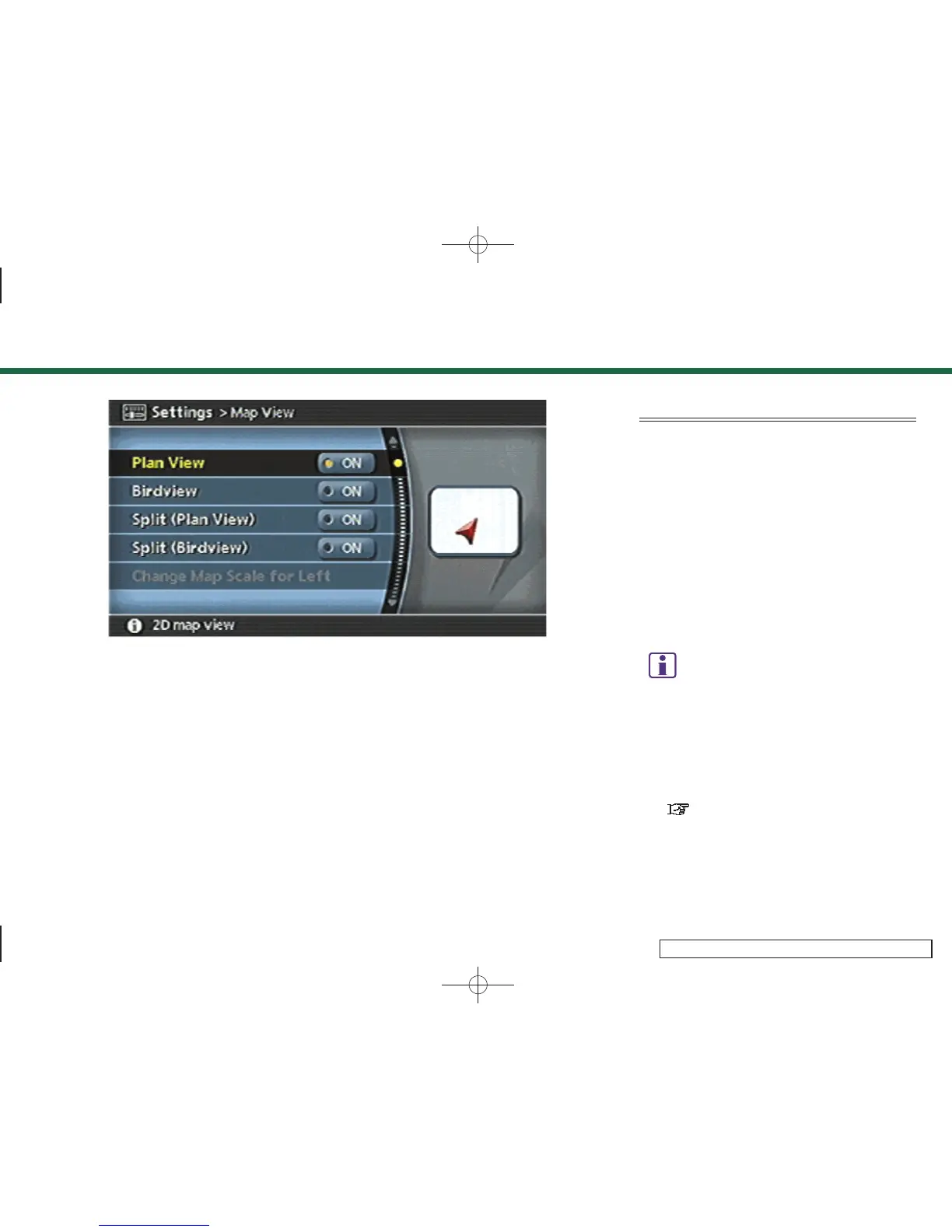
3. Highlight the preferred map view and
push <E NTER>. The indicator of the
selected map view illuminates.
4. Push <MAP> to return to the current
location map screen.
AVAILABLE VIEWS
. Plan View:
Switches to Plan View.
. Birdview
TM
:
Switches to Birdview
TM
.
. Split (Plan View):
Changes to the split screen mode and
both halves display maps in Plan View.
. Split (Birdview
TM
):
Changes to the split screen mode and
the left half displays the map in Plan
View and the right half displays the
map in Birdview
TM
.
INFO:
.
When you select a map view, a preview of
that view is displayed on the right side of
the screen.
.
When you select [Split (Plan View)] or [Split
(Birdview
TM
)], [Change Map Scale f or Left]
becomes available. This is used to change
the scale of the map in the left screen.
“CHANGING THE SCALE OF THE LEFT
SCREEN” (page 3-20)
3. Map settings
3-5


 To Next Page
 Loading...