Black plate (73,1)
Model "INFINITI_NAVI" EDITED: 2006/ 3/ 20
MOVING A MAP
INI0256
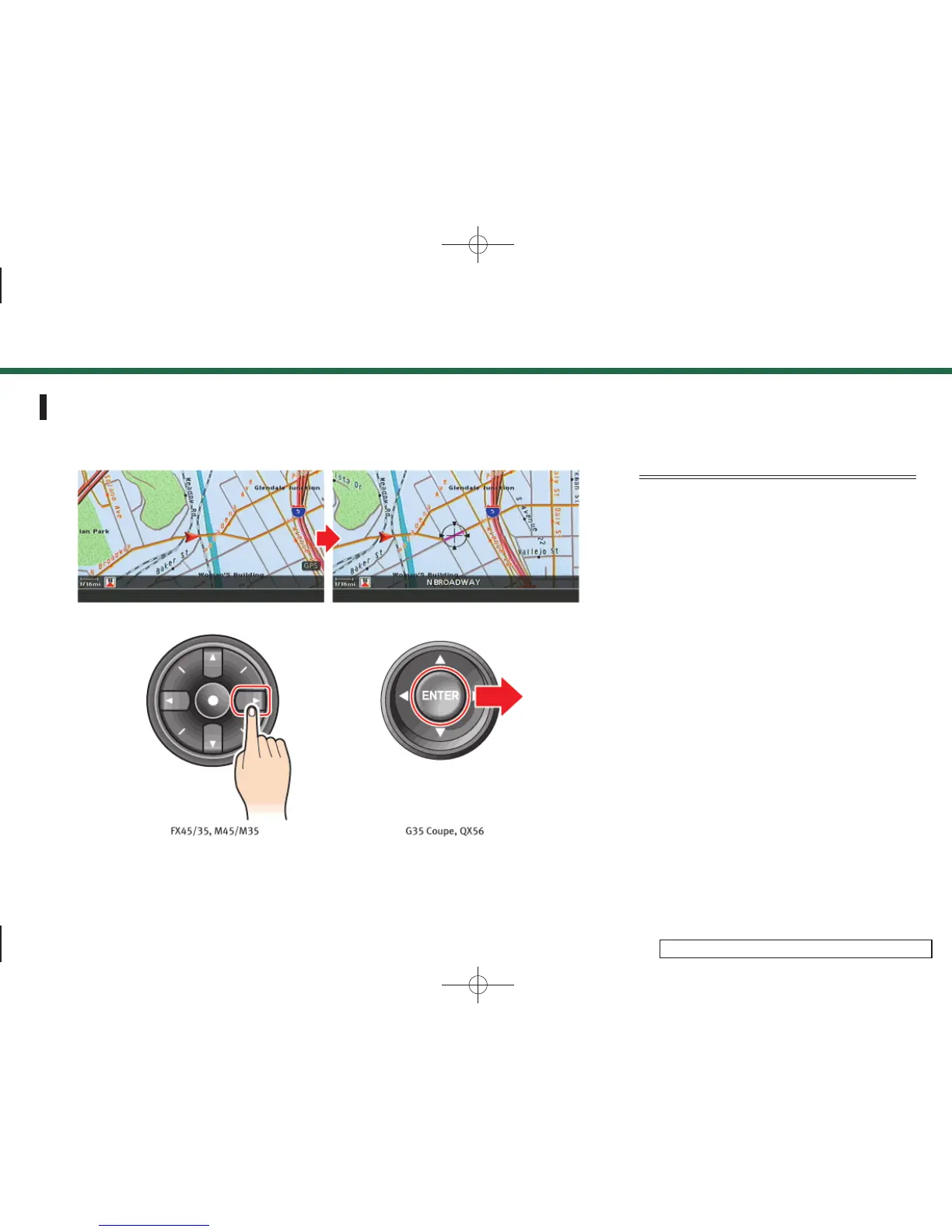
The operations for moving across the map
are different between Plan View and Bird-
view
TM
.
Plan View
M45/M35, FX45/35:
Push one of the main directional buttons or
additional directional buttons correspond-
ing to the direction that you want to move
across the map. Hold down the button to
continuously move across the map in that
direction.
G35 Coupe, QX56:
Tilt the joystick corresponding to the
direction that you want to move across
the map. Keep tilting the joystick to
continuously move across the map in that
direction.
Once you start moving across the map, the
cross pointer appears.
3. Map settings
3-7


 To Next Page
 Loading...