Black plate (96,1)
Model "INFINITI_NAVI" EDITED: 2006/ 3/ 20
DESTINATION SCREEN
There are several methods you can use to
set your destination. Understand the ad-
vantages of each method and select the
best method for finding and setting your
destination.
BASIC OPERATION
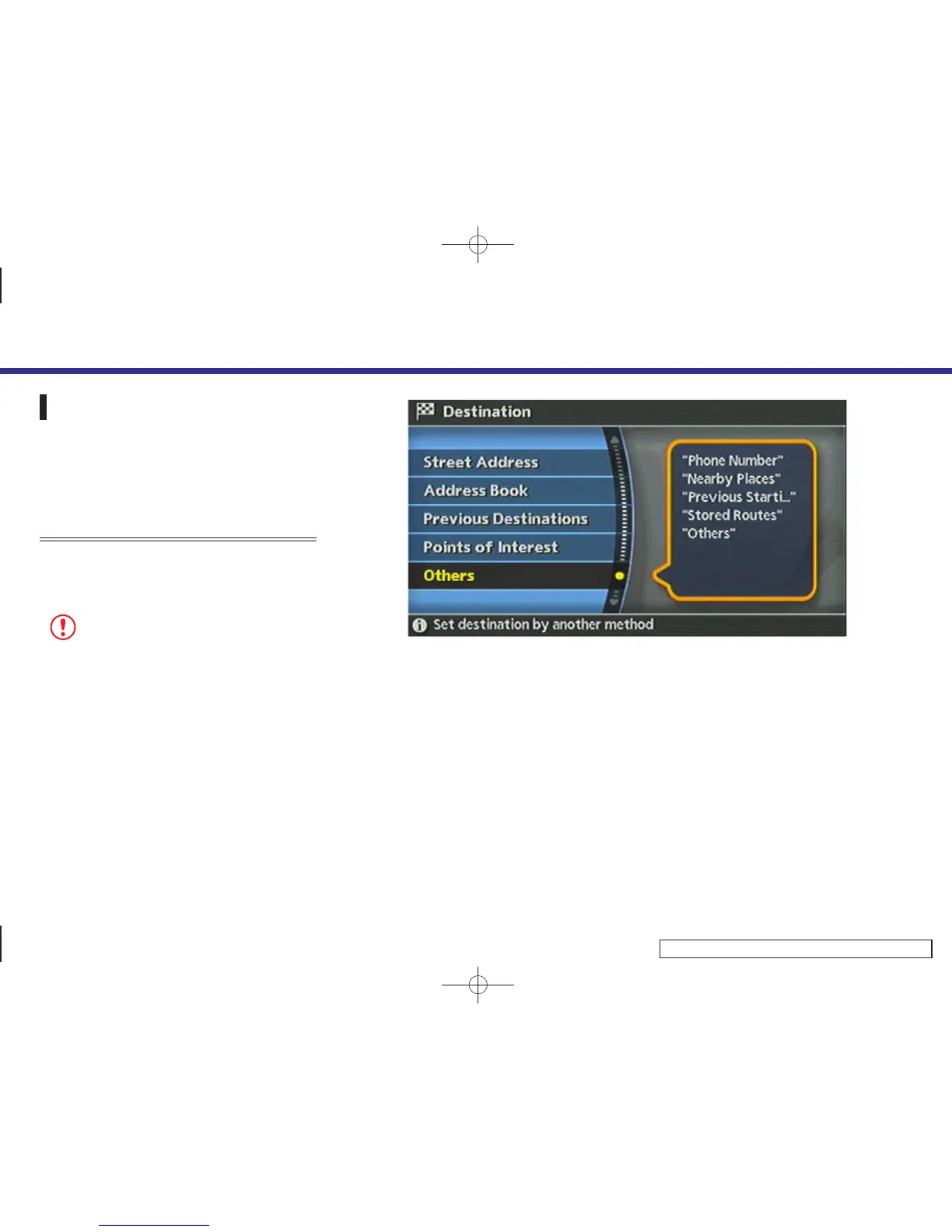
1. Push <DEST>.
2. Highlight the preferred destination
setting method and push <ENTER>.
NOTE:
There may be a case that you cannot search by
pointing at “Street Address”, “Intersection”
and “Point of Interest (POI)”. This is because
the map DVD-ROM data of Nunavut in Canada is
undeveloped.
INV2493
Available setting items
. Street Address:
Searches for a destination by address.
. Address Book:
Searches for a destination from the list
of stored home and the stored loca-
tions.
. Previous Destinations:
Searches for a destination from the
previous destinations.
. Points of Interest:
Searches for a destination from various
categories of businesses or locations.
4. Setting a destination
4-2


 To Next Page
 Loading...