[ Edit: 2016/ 8/ 1 Model: 2017MY INFINITI Q70(Y51) OM17E00Y51U0 ]
The Reminder will be automatically dis-
played when the specified distance has
been driven and every time the ignition
switch is pushed to the ACC or ON position.
The reminder will not appear while driving.
Select the “OK” key to hide the reminder
for the rest of the current drive.
To stop the reminder from appearing,
perform one of the following actions:
. Select the “Reset Distance” key.
. Deactivate the “Reminder”.
. Increase the “Interval” distance to be
more than the current distance being
tracked.
JVH0272M
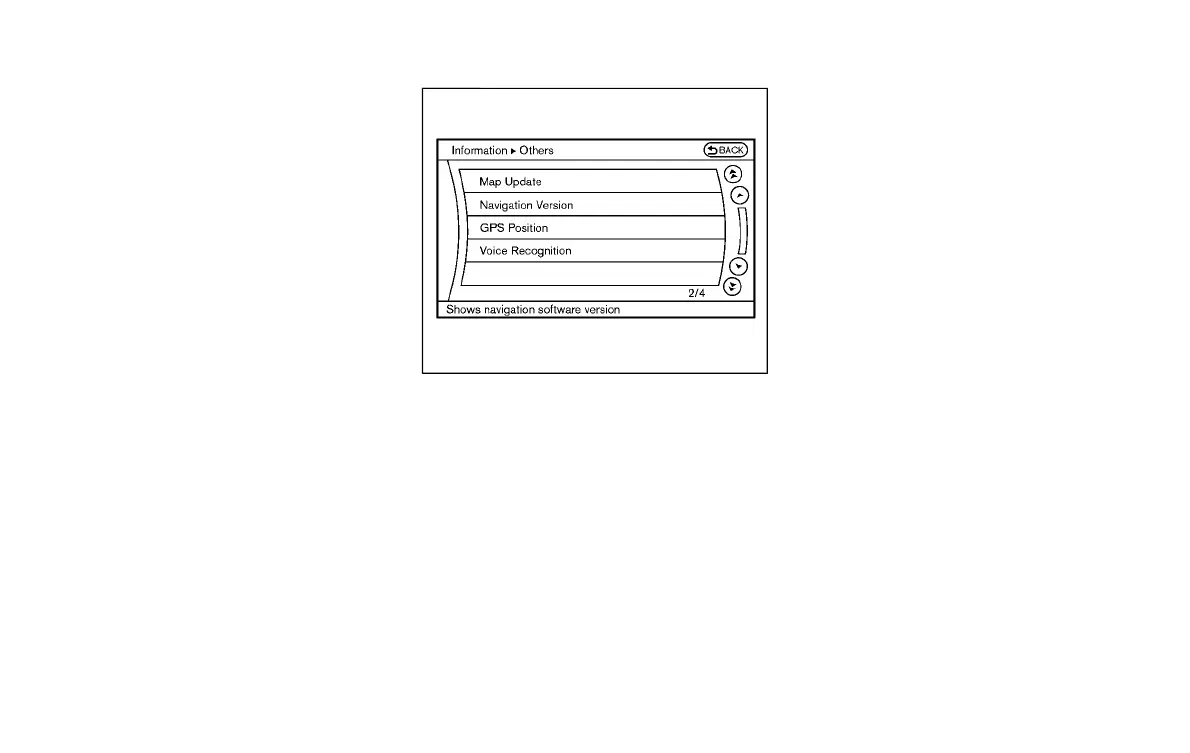
Others information (models with
navigation system)
Y51D-V-E01-E0F87E16-0593-408A-A004-FF5171E38CED
The Others information display will appear
when pushing the INFO button and select-
ing the “Others” key.
Map Update:
GUID-199E211C-56CA-4D74-B0E2-D08A0AEEB02F
For the details of this item, see the
separate Navigation System Owner’s Man-
ual.
Navigation Version:
Y51D-V-E01-40B7C594-3740-484F-83FB-9CC64B1CA696
For the details of this item, see the
separate Navigation System Owner’s Man-
ual.
When the ignition switch is in the ignition
position, the “Navigation Version” key is
displayed after pushing the INFO button.
GPS Position:
Y51D-V-E01-69DAA895-64AA-4208-A8AB-7FFB939E6CDA
For the details of this item, see the
separate Navigation System Owner’s Man-
ual.
Voice Recognition:
Y51D-V-E01-A3DFC78F-5848-4804-9813-F040F01CB2CF
For the details of this item, see “INFINITI
Voice Recognition system (models with
navigation system)” (P.4-122).
Monitor, climate, audio, phone and voice recognition systems 4-15
Condition:



 To Next Page