[ Edit: 2016/ 8/ 1 Model: 2017MY INFINITI Q70(Y51) OM17E00Y51U0 ]
SAA2580
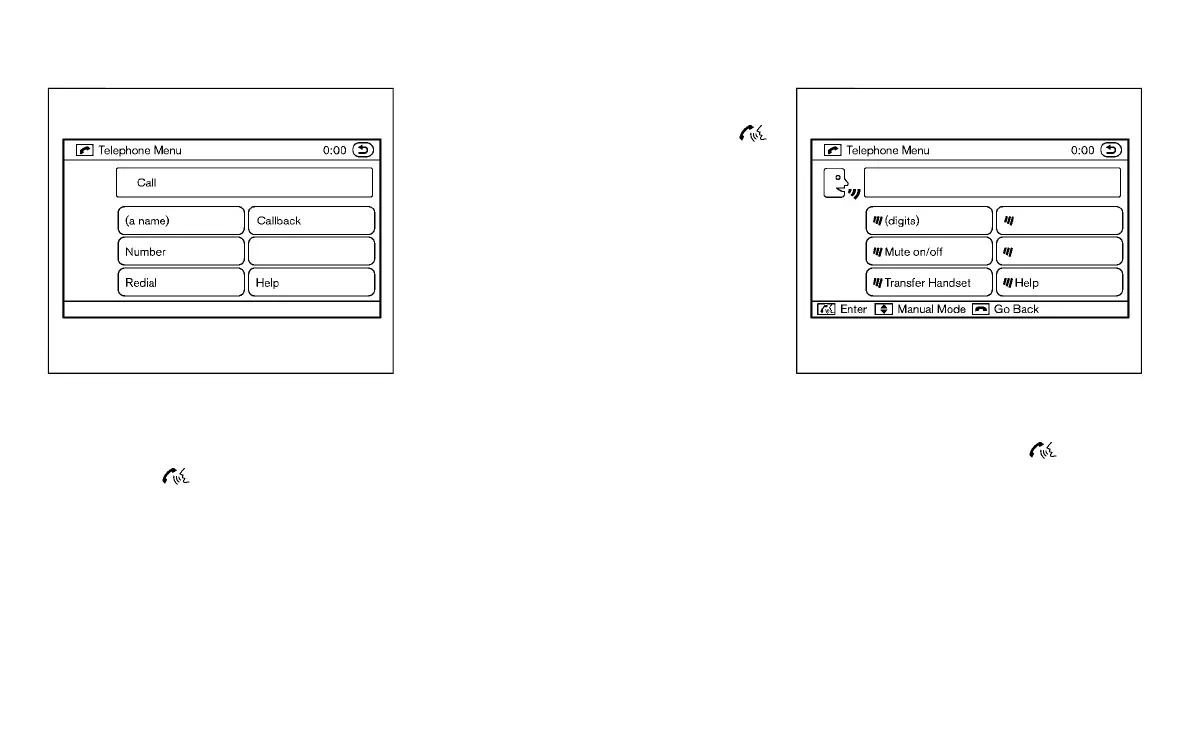
MAKING A CALL
Y51D-V-E01-73A4CF46-A60E-408D-8084-AB671C2CEF39
To make a call, follow the procedures
below.
1. Push the
button on the steering
wheel. A tone will sound.
2. Speak: “Call”. The system acknowl-
edges the command and announces
the next set of available commands.
3. Speak the registered person’s name.
The system acknowledges the com-
mand and announces the next set of
available commands.
4. Speak: “Yes”. The system acknowl-
edges the command and makes the
call.
5. Once the call has ended, press the
button on the steering wheel.
RECEIVING A CALL
Y51D-V-E01-FC068B10-0544-4D4F-AE9D-B4CC445B4124
When the ring tone is heard, press the
button on the steering wheel.
Once the call has ended, press the button
on the steering wheel.
NOTE:
To reject a call when the ring tone is heard,
press the button on the steering wheel.
SAA2581
DURING A CALL
Y51D-V-E01-57A24977-8C89-4E27-9DCC-E0A47D668C0B
During a call there are several command
options available. Press the
button on
the steering wheel to mute the receiving
voice and enter commands.
. “(digits)” — Use the Send command to
enter numbers during a call. For exam-
ple, if directed to dial an extension by
an automated system:
Speak: “Sending one two three four.”
The system acknowledges the com-
mand and sends the tones associated
with the numbers. The system then
ends the VR session and returns to the
Monitor, climate, audio, phone and voice recognition systems 4-117
Condition:



 To Next Page