[ Edit: 2016/ 8/ 1 Model: 2017MY INFINITI Q70(Y51) OM17E00Y51U0 ]
Mode Selector” (P.5-21).
. When the VDC system is off (To use the
ICC system, turn on the VDC system.
Push the MAIN switch to turn off the ICC
system and reset the ICC switch by
pushing the MAIN switch again.)
For details about the VDC system, see
“Vehicle Dynamic Control (VDC) sys-
tem” (P.5-131).
. When ABS or VDC (including the trac-
tion control system) is operating
. When a wheel is slipping (To use the ICC
system, make sure the wheels are no
longer slipping. Push the MAIN switch
to turn off the ICC system, and reset the
ICC system by pushing the MAIN switch
again.)
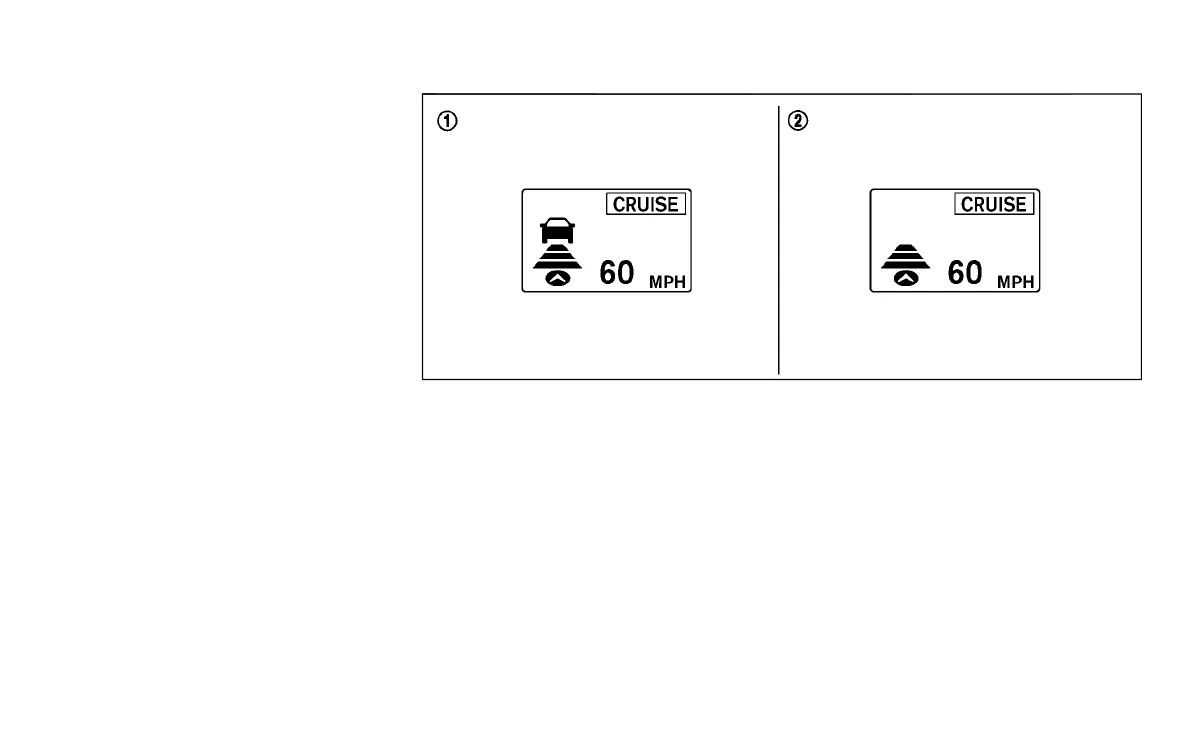
SSD0984
*
1
System set display with vehicle ahead
*
2
System set display without vehicle
ahead
The driver sets the desired vehicle speed
based on the road conditions. The ICC
system maintains the set vehicle speed,
similar to standard cruise control, as long
as no vehicle is detected in the lane ahead.
The ICC system displays the set speed.
Vehicle detected ahead:
GUID-A1C06878-3E63-4DB8-A336-AE3A7658AF0A
When a vehicle is detected in the lane
ahead, the ICC system decelerates the
vehicle by controlling the throttle and
applying the brakes to match the speed
of a slower vehicle ahead. The system then
controls the vehicle speed based on the
speed of the vehicle ahead to maintain the
driver selected distance.
NOTE:
. The stop lights of the vehicle come on
when braking is performed by the ICC
system.
. When the brake operates, a noise may
be heard and/or vibration may be felt.
This is not a malfunction.
When a vehicle ahead is detected, the
vehicle ahead detection indicator comes
on. The ICC system will also display the set
Starting and driving 5-79
Condition:


 To Next Page
 Loading...
