8. Select the attachment you want to send (pictures, videos)
9. Tap send button
to send the email.
6. Browser
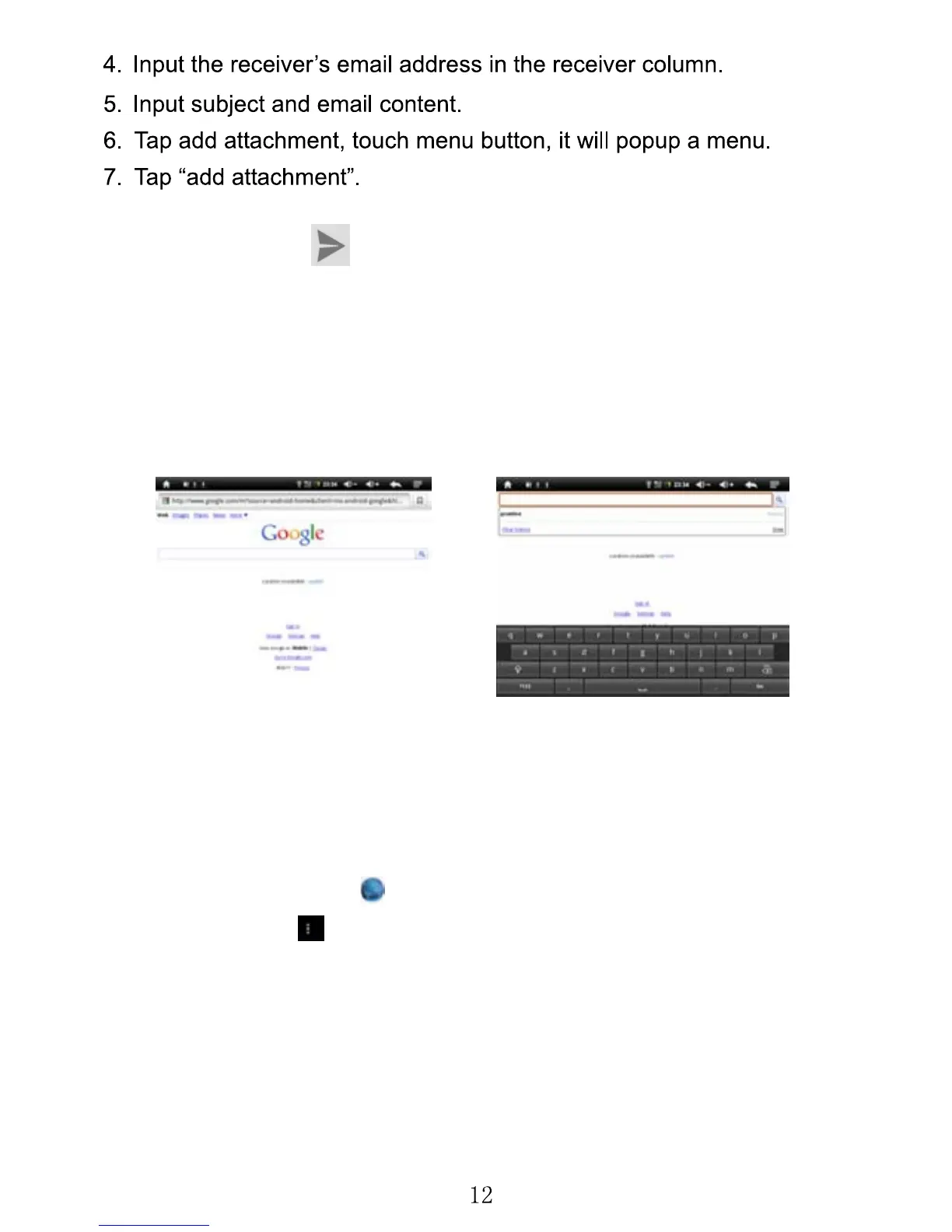
When you select the browser icon, your browser will open. You can tap
the browser bar to bring up the virtual keyboard and input the web
address you would like to view.
The Browser will open to the last page you visited. If you have not
opened the browser yet, it will go to your homepage.
1) Set the homepage.
1. Tap the browser icon
.
2. Tap the menu
icon on the top right corner.
3. Tap the setting menu.
4. Tap General.
5. Tap Set homepage.



 To Next Page