SYSTEM UNIT
Liquid crystaldisplay
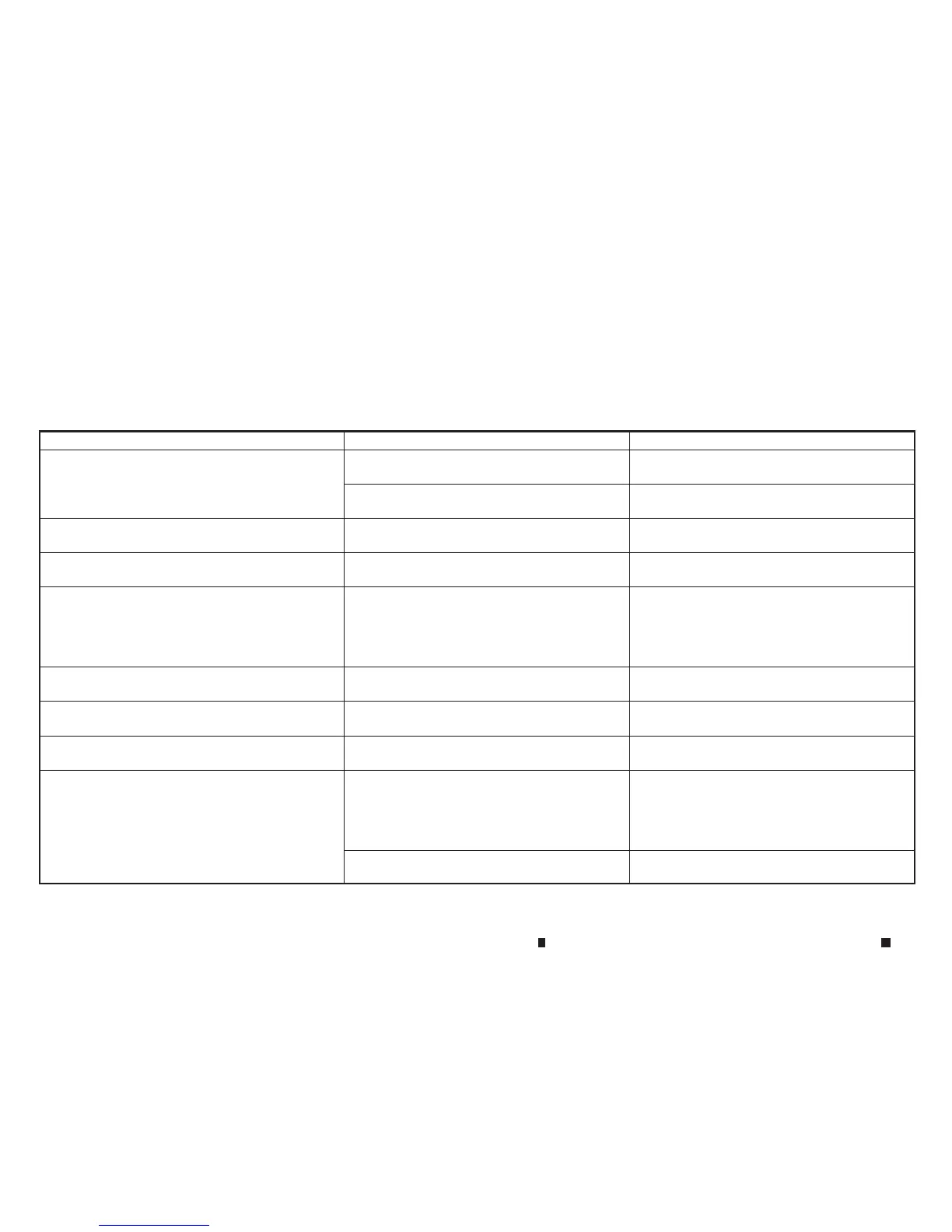
Symptom Possiblecause Possiblesolution
The screen is too dark. The cabin temperature is toolow.Wait until the cabin temperature becomes moder-
ate.
Screen brightnessisset to the maximum dark-
ness.
Adjust the brightnesssetting of the screen.
“Screensettings” earlier in thissection
The screen is too bright. Screen brightnessisset to the maximum bright-
ness.
Adjust the brightnesssetting of the screen.
“Screensettings” earlier in thissection
Asmall black spot or asmall bright spot appears on
the screen.
Thisisaphenomenon typical to liquid crystal
displays.
Thisisnot amalfunction.
Adot or stripe pattern appearsonthe screen. Electromagnetic waves that are generated from
neon billboards, high voltageelectric power
cables, hamradios or other radio devices
equipped to othervehicles mayadversely affect
the screen.
This is not amalfunction.
Imagelag appears on the screen. Thisisaphenomenon typical to liquid crystal
displays.
Thisisnot amalfunction.
Imagemotion displayed on the screen is slow.The cabin temperature is below 0°C(32°F). Wait until the in-cabin temperat ure rises to above
0°C(32°F).
When lookingatthe screen from an angle,the screen
lightens or darkens.
Thisisaphenomenon typical to liquid crystal
displays.
Adjust the brightnesssetting of the screen.
“Screensettings” earlier in thissection
The screen turnsblue or an error message is
displayed on the display.
The SD card is not inserted into the slot correctly.Ifthe SD card containing mapdataisaccidentally
removed, after re-inserting the SD card contain-
ing mapdatainto the slot, placethe ignition
switch in the OFF position and then backinthe
ON positionagain.
Asystem malfunction has occurred. Contact an INFINITI Centre or qualified workshop
for inspection.
4-108 Display screen,heater and air conditioner,and audio system


 To Next Page
 Loading...