21
Trip Computer
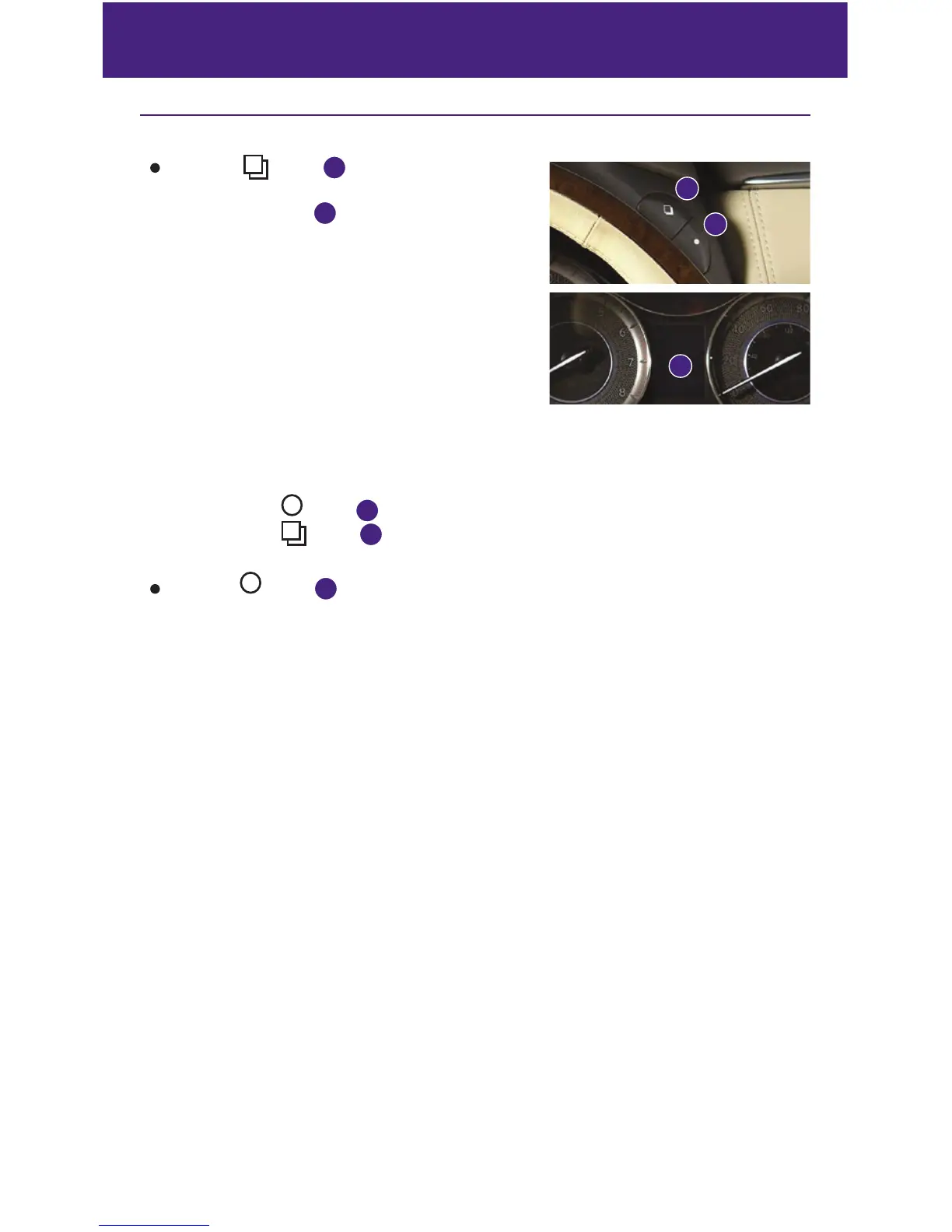
When the
button
1
is pressed, the
following modes will appear on the vehicle
information display
2
:
• MPG – Displays the current and average fuel
consumption since the last reset.
• MPG/MPH – Displays the average fuel consumption
and speed since the last reset.
• TIME/MILES – Displays the elapsed time and
distance driven since the last reset.
• RANGE – Displays the estimated distance to empty
(dte) the vehicle can be driven before refueling.
• OUTSIDE TEMP – Displays the temperature outside your vehicle.
• SETTING – Allows you to set reminders for alerts and maintenance intervals or change
the language and units used in the system.
— Press the button
3
to cycle through the various setting modes.
— Press the
button
1
to choose the selected mode.
• WARNING – Displays when a warning is present.
Press the button
3
for approximately 1 second to reset the currently displayed trip
odometer to zero.
For more information, refer to the “Instruments and controls (section 2)” of your Owner’s Manual.
1
3
2
system guide



 To Next Page