2
*Infiniti Connection
™
is only available on vehicles equipped with an optional Infiniti Connection
™
subscription service.
**Laws in some communities may restrict the use of text-to-speech. Check local regulations before using this feature.
INFINITI Connection
™
* (if so equipped)
INFINITI Connection
tm
combines personalized
convenience, concierge settings and personal security
features to compliment the Total Ownership Experience.
For more details on INFINITI Connection or to enroll
your vehicle, please visit www.InfinitiConnection.com or
call 855-444-7244.
Available services include:
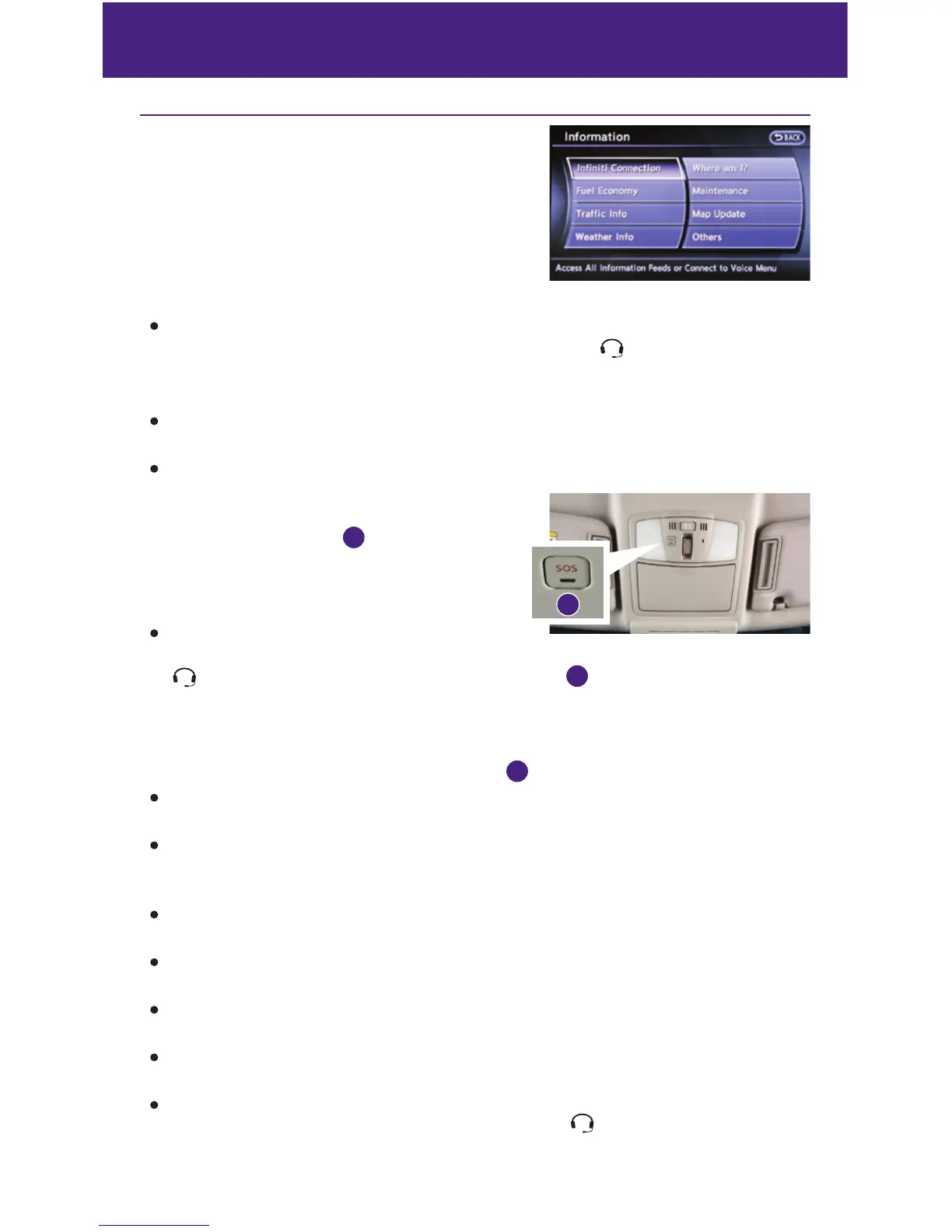
INFINITI Personal Assistant – To access INFINITI Personal Assistant, select “Connect to
Voice Menu” from the INFINITI Connection menu or touch the
key on the map screen. At
the voice prompt, say “INFINITI Personal Assistant” to be connected.
• Your INFINITI Personal Assistant can send destination information directly to your vehicle.
Automatic Collision Notification – In case of air bag deployment, a signal is sent containing
the vehicle location and customer information to notify the proper authorities.
Emergency Call – This service provides emergency assistance by connecting the subscriber
to an INFINITI Connection Specialist.
• In case of an emergency, press the in-vehicle
telematics SOS button
1
.
• A Response Specialist will provide assistance
based on the situation described by the
vehicle’s occupant.
Enhanced Roadside Assistance – Roadside
Assistance can be accessed by touching the INFINITI Connection key on the Info menu, the
key on the map screen or by pressing the SOS button
1
.
• This service allows subscribers to receive assistance for a non-emergency incident, such as
towing, or a third party response.
• If warranted, Roadside Assistance may also be used in conjunction with the Emergency
Assistance service by pressing the SOS button
1
.
My Schedule – Access your personal online Google Calendar
™
, hear details read via
text-to-speech** and select a location as a destination via the Navigation System.
Report Stolen Vehicle – A Response Specialist will attempt to obtain location information
from a reported stolen vehicle and provide that information to a local
law enforcement agency.
Remote Door Lock/Unlock – Remotely access your vehicle via an INFINITI Connection
Response Specialist or designated website to remotely lock or unlock your vehicle.
Alarm Notification – This system will notify you when the factory-installed vehicle alarm
system has been activated.
Scheduled Maintenance Notification – Receive scheduled maintenance notifications based
on mileage data provided by your vehicle.
Maintenance Alert – Receive notification of a vehicle system malfunction that triggers
instrument panel warning lights.
Destination Assistance – Receive point-of-interest assistance via a guided IVR (Interactive
Voice Response) or a Response Specialist by pressing the key on the map screen or the
INFINITI Connection™ web portal.
1
new system features


 To Next Page
 Loading...