Page 21INA-AWB User Guide
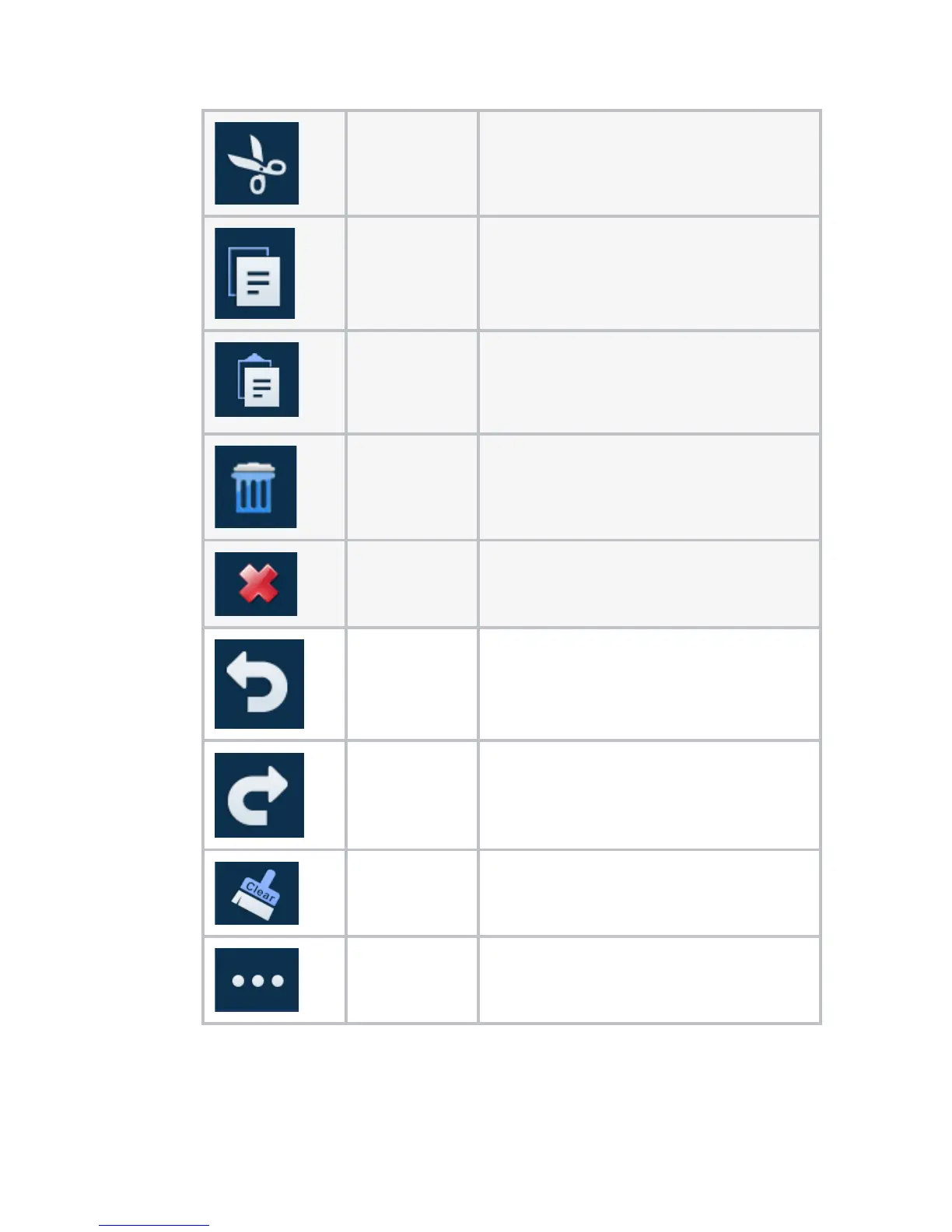
Cut Tap to cut the selected object(s).
Copy Tap to copy the selected
object(s).
Paste Tap to paste the last copied or
cut object(s) onto the white-
board canvas.
Delete Tap to delete the selected
object(s).
Cancel Tap to remove the selection box.
Undo Tap to reverse the last
executed command.
Redo Tap to reverse the last Undo
command.
Clear Tap to clear the drawing objects
from the whiteboard canvas.
More
submenu
Tap to access additional menu
features.


 To Next Page