Page 8
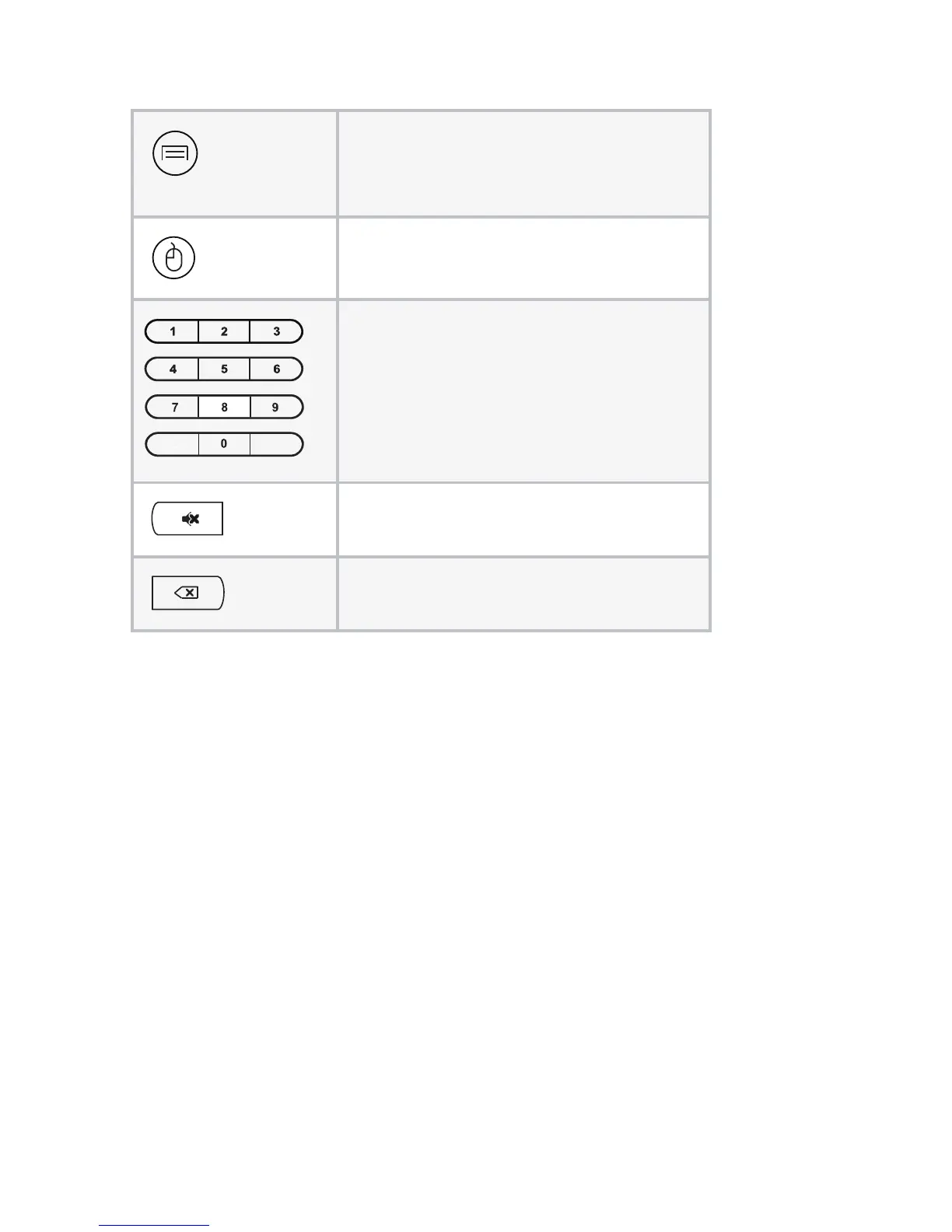
Menu: Click to choose function
menu of corresponding application
in video, music, photo and website.
Mouse: Click to use the navigation
button as a mouse.
Number: Click to select a number.
Mute: Click to turn down the
volume.
Backspace: Click to backspace
the input.



 To Next Page