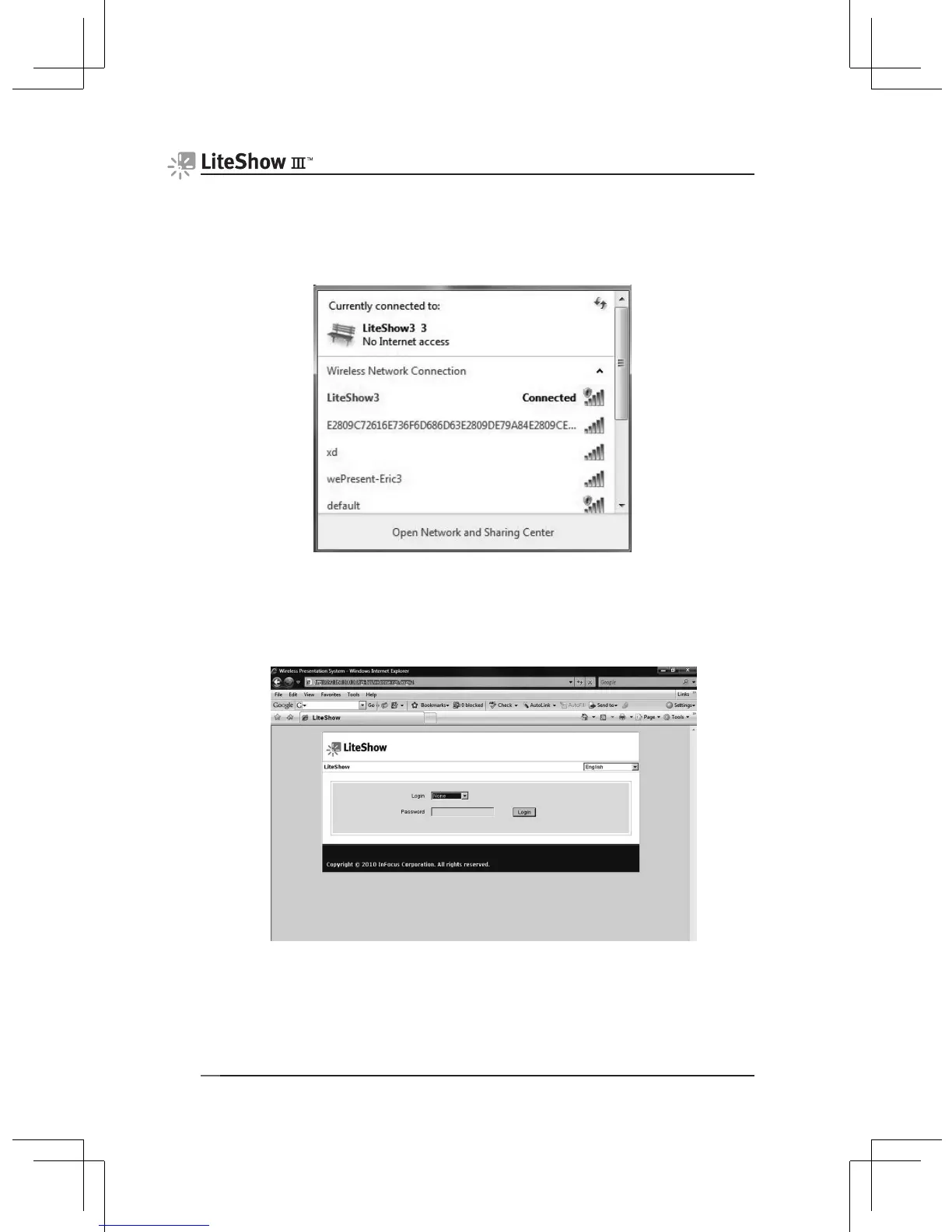
Windows 7/Vista/XP/2000
1) Verify that your computer’s wireless connection is enabled and connect to
the LiteShow wireless network.
2) Open your browser. Although the LiteShow page should display
automatically, you can also enter the IP address displayed on the projector
into your web browser.
Note: The default IP address of LiteShow is 192.168.100.10.



 To Next Page