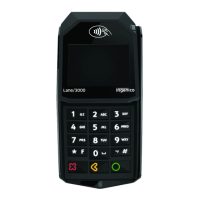
Moneris Core® Desk/5000 Terminal: Setting up Your Hardware 4
Connect the two-part power supply cable
1. Insert the plug connector into the adaptor box to form the
complete power cable.
2. Insert the power cable's barrel connector into the circular
port labelled with the power symbol on the multi-port box.
3. Plug the other end of the power cable into a power source. The terminal will power on.
Recommendations: Always plug the power cable into the power source last to avoid power surges. Use a
power bar equipped with surge protection if possible. Do not use the power cable from your existing
terminal, as it may damage your new terminal.
IMPORTANT! You must use the exact power adaptor and cables provided by Moneris to work with your
terminal. Failure to do so may affect the operability of, or cause damage to, the equipment.
Remove the protective film (if applicable)
If your terminal has a protective film covering the display screen, peel the film off.
Hint: Peel from the top right to the bottom left corner.



 To Next Page
 Loading...