User
manual
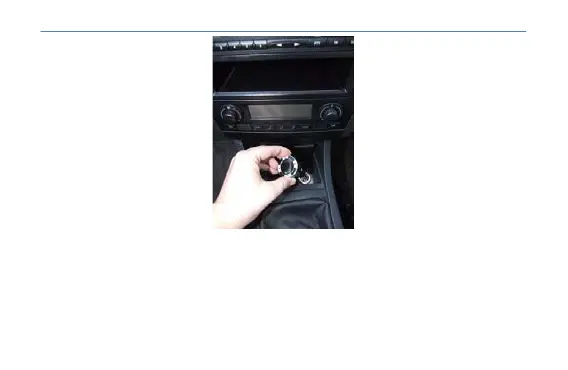
5 .- After connecting the MP3, will power on and display a logo on your screen. Then, be ready to
operate.
6 .- Press the "CH" key located at down of the player to enter the selection mode emission line.
7 .- Select, using the |<< and >>| to get a free line emission. In this way, will complete the setup of
your CAR MP3.
If you performed the above steps correctly, you should be listening to music stored on your CAR
MP3 by the speakers of your car trough your car radio.
7



 To Next Page