EN – English -US UK CA –
INIU Power Bank Instructions
US UK CA
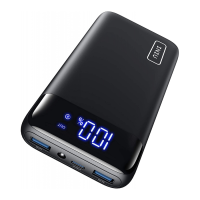
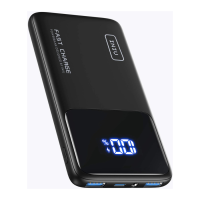
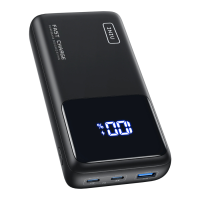
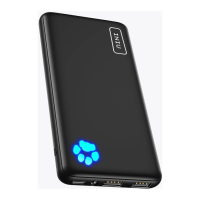
①Power Button
②Power Indicator
③UsB-C Input&Output
④LED Light
⑤USB-A Output
How to Charge your phone
1.Connect the bank to your device using a right USB
cable,and it will start charging automatically.If
not,press the power button to restart the bank.
2.When charging,the last light of battery indicator will
blinking until fully charged.
Note:QC/PD/AFC fast charging protocols not
supported.
3.The power bank will turn off automatically when not
connected with a device for 35s.
How to Recharge your power bank
1.Connect the bank and an adapter with a USB C
cable to start charging. For the best performance,a
5V/2A adapter is recommended.
2.When recharging,the bank will consecutively
flashing the lights of the battery indicator until five
solid lights are displayed.


 To Next Page