US UK CA
Charge your devices
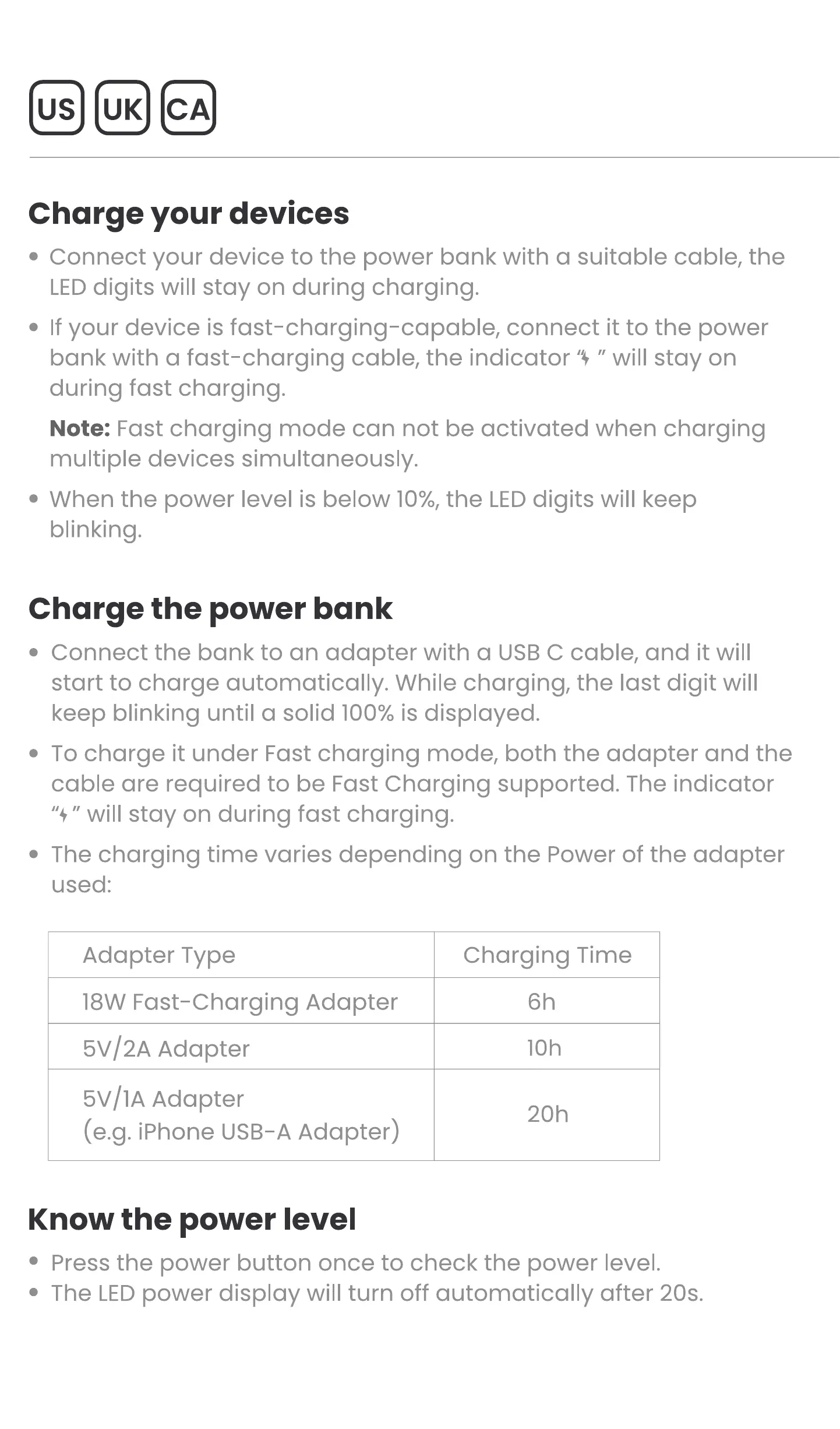
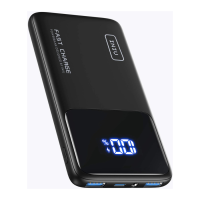
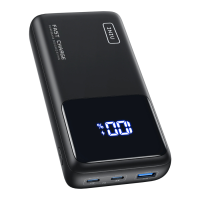
' Connect your device to the power bank with a suitable cable, the
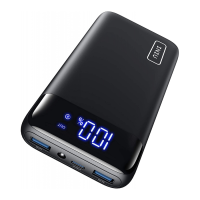
LEDdigits will stay on during charging.
If your device is fast-charging-capable, connect it to the power
bank with a fast-charging cable, the indicator '9 " will stay on
during fast charging.
Note: Fast charging mode can not be activated when charging
multiple devices simultaneously.
' When the power level is below 10%,the LEDdigits will keep
blinking.
Charge the power bank
Connect the bank to an adapter with a USB C cable, and it will
start to charge automatically. While charging, the last digit will
keep blinking until a solid 100% is displayed.
To charge it under Fast charging mode, both the adapter and the
cable are required to be Fast Charging supported. The indicator
"+" will stay on during fast charging.
' The charging time varies depending on the Power of the adapter
used:
Adapter Type
18W Fast-Charging Adapter
5V/2A Adapter
5v/lA Adapter
(e.g. iPhone USB-AAdapter)
Know the power level
Charging Time
IOh
20h
Press the power button once to check the power level.
The LEDpower display will turn off automatically after 20s.


 To Next Page